

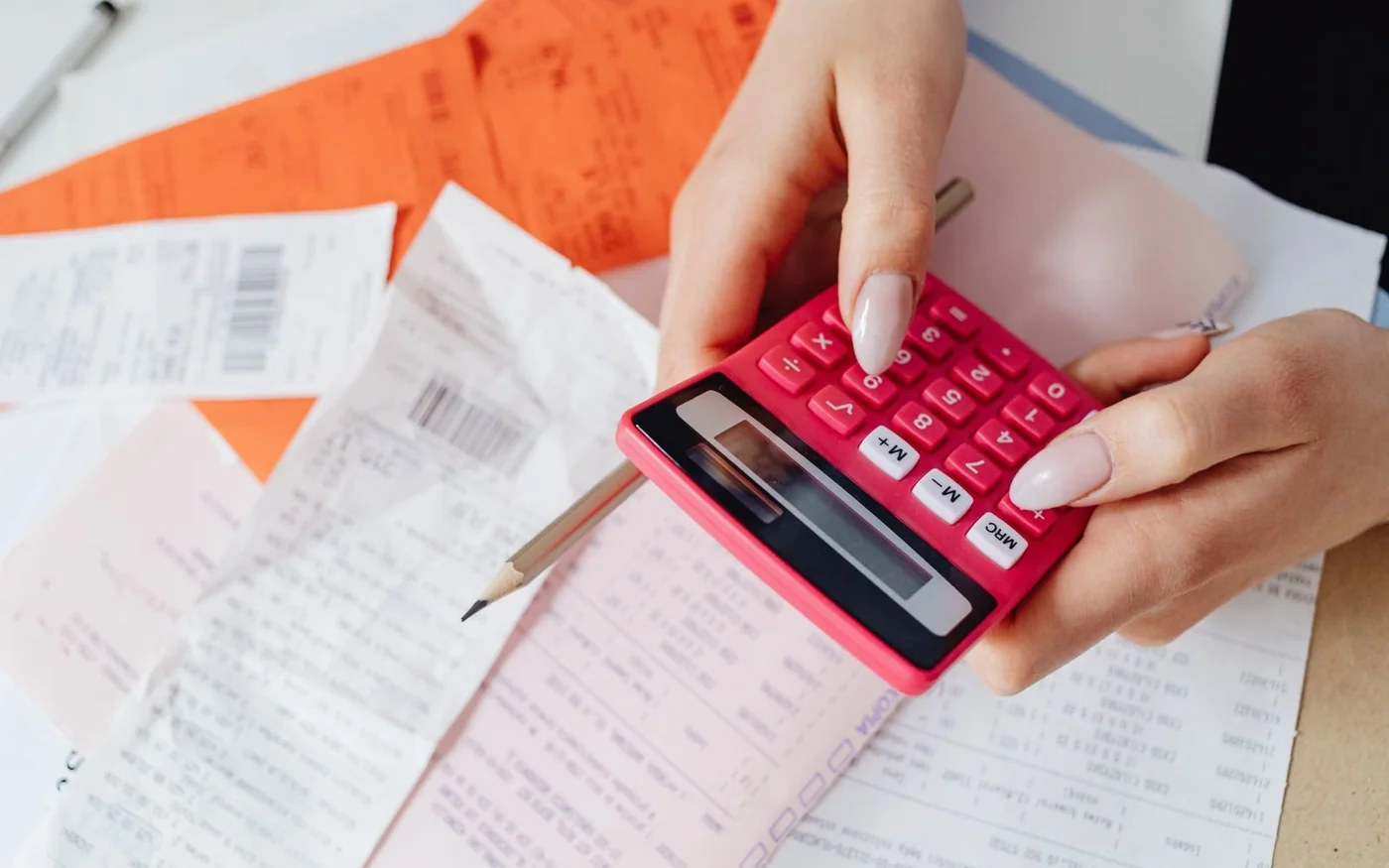
A shopping receipt earns its space in your phone when it can answer three questions: who sold you the item, exactly what you bought, and what you paid. For a phone, appliance or piece of furniture, it should also connect that purchase to the product you received and the warranty documents you were given. Check those connections while the transaction is still easy to find.
Start with the seller, product description and final AED amount. Then check the tax breakdown, payment record and any delivery or warranty paperwork. An attractive store logo is less useful than a clear business identity; a card approval slip is less useful than an invoice that identifies the actual goods. Save both when they serve different purposes.
This guide concerns personal shopping in Dubai. The examples are fictional reading exercises, not specimen invoices for businesses to copy. Rules and linked guidance were checked on 5 November 2026.
Find the business responsible for the sale
Read past the brand name at the top. Look for the supplier's name, address and contact details. If the invoice uses a company name you do not recognise, ask the store how that company relates to the shop. A trading name and a familiar storefront can differ without anything being wrong; the useful result is a clear answer you can return to later.
Online, keep the seller information alongside the invoice. On a marketplace, the platform, payment processor and seller may appear in different places. Ask which business supplied the product and which business handles a fault. Do not resolve an unclear seller identity by assuming that the largest logo represents the warranty provider.
The UAE's Consumer Protection Law, Article 8, requires a detailed invoice identifying the provider and the goods or service, price and quantity. It also requires Arabic, with other languages permitted alongside it. If you receive an English-only printout, request the Arabic invoice or bilingual version. Keep the original document as well as the corrected one.
A receipt photograph should include the top and bottom of the paper. Cropping away an address, transaction reference or terms can remove the very detail needed when a shop tries to retrieve the sale.
Match the description to the item in your bag
A description such as “electronics” does little to distinguish one purchase from another. For an expensive device, compare model, storage, colour and the seller's product code against the order confirmation and packaging. For clothing, size and colour matter; for furniture, the selected fabric, configuration and included components matter. Ask for enough detail to distinguish your purchase from a similar-looking alternative.
Check quantities as carefully as names. Two cushion covers are different from two cushions, and a sectional module is different from a complete sofa. If a bundle includes an accessory, retain the offer and ask where that accessory appears in the purchase record. A zero-priced promotional line can be useful evidence, but its absence is a reason to ask for clarification rather than to invent your own invoice entry.
The Consumer Protection Executive Regulation, Article 6, lists invoice information including quantities, local-currency prices, commercial registration details, delivery date, warranty period where applicable, and serial numbers according to the nature of the goods. Used condition must also be recorded when relevant. Warranty documentation may be separate or included in the invoice.
That does not mean every shirt needs a unique serial number. It means the identifying information should suit the thing you bought. A serialised laptop needs a different evidence trail from a pack of socks.
| Purchase | Compare with the invoice | Keep alongside it |
|---|---|---|
| Phone or laptop | Exact model, capacity, quantity and relevant serial identifier | Order confirmation, warranty document and delivery record |
| Sofa or wardrobe | Configuration, finish, component quantities and agreed services | Written specification, delivery and assembly records |
| Clothes or shoes | Style or item code, size, colour and number purchased | Tags and applicable return terms |
| Used or refurbished device | Stated condition and exact unit identity | Condition description and written warranty scope |
These are shopping checks, not a promise that every retailer prints every specification on one small till receipt. Where details sit in a separate document, save that document with the invoice and ensure the references connect.
Understand the VAT line without adding tax twice
The FTA's tax-invoice guidance explains the shorter simplified format. Its core information includes the tax-invoice heading, supplier name, address and TRN, issue date, description, total consideration and tax amount in AED. A short receipt can therefore contain meaningful tax information without resembling a long commercial invoice.
The current VAT Executive Regulation, Article 59, permits simplified invoices for recipients who are not VAT registrants, subject to its exceptions. The AED 10,000 condition concerns the separate case of a VAT-registered recipient. Do not treat AED 10,000 as a universal ceiling for every personal shopper's simplified receipt. Full invoices have additional fields, including a unique or sequential invoice number and more detailed pricing information.
For an arithmetic check, first establish whether the displayed amount already includes tax. Suppose a fictional standard-rated purchase has a final VAT-inclusive price of AED 1,050 and no other charges. At the standard 5% rate, that consists of AED 1,000 before VAT plus AED 50 VAT. The tax is already inside AED 1,050. Adding another AED 52.50 would count tax again.
For a wholly standard-rated, VAT-inclusive amount, dividing by 1.05 gives the before-tax amount; dividing by 21 gives the VAT component. These are arithmetic shortcuts for that particular setup. They are not suitable for a mixed basket without first understanding which lines have which treatment.
| Fictional example | Before VAT | VAT at 5% | Total including VAT |
|---|---|---|---|
| One item, no additional charges | AED 1,000 | AED 50 | AED 1,050 |
| Another item, no additional charges | AED 200 | AED 10 | AED 210 |
A discount makes the reading exercise more demanding. Look for the amount actually charged after the discount and ask the retailer to explain how its invoice allocates a basket promotion. Do not calculate VAT from the crossed-out original price and compare that with a discounted final bill. Similarly, do not assume a gift card is a discount merely because it reduces the balance paid by your bank card.
If the numbers still fail to reconcile, request an explanation and the appropriate correction. Preserve the original invoice. Changing the figure yourself on a photograph gives you a less reliable record of what the seller issued.
Distinguish the TRN from other numbers
A receipt can contain a commercial registration number, invoice number, order number, card authorisation reference and tax registration number. They answer different questions. The order number helps retrieve the purchase; the invoice number identifies a billing document; the supplier's tax number concerns its tax registration. None identifies the precise phone in your hand in the way a unit serial number can.
Start with the label rather than the length of the number. If a tax number is unclear, ask the seller to identify it. The Federal Tax Authority website provides its official TRN verification facility. Use the official site for that check rather than an unfamiliar receipt-scanning service. A tax-registration lookup does not establish the condition of your goods, authorise a warranty claim or prove that every figure on a document is correct.
Do not demand a VAT number from every seller simply because other shops print one. The consumer regulation refers to the tax number where applicable. If VAT has been charged and the supporting tax details are unclear, that is a specific issue to raise with the supplier and, if necessary, the FTA.
Keep the invoice and the payment slip together
A bank notification tells you about a payment. It may not identify which goods were supplied, their condition or the agreed warranty. Conversely, an invoice showing an amount due does not always establish that the full amount has already been settled. Check whether your documents show a completed payment, deposit, outstanding balance or later instalment.
For a split payment, make your own private note connecting the invoice with the different payment records. A purchase partly funded by a gift card and partly by a bank card can otherwise be hard to reconcile months later. Record the amounts and references without copying full card details into an unnecessary extra file.
For furniture paid in stages, keep the order specification and payment schedule. Before paying a remaining balance, compare it with the amount previously paid and any written changes to the order. If you added assembly or changed the configuration, get the revised agreement rather than trying to reconstruct the price from a conversation.
When an unfamiliar payment descriptor appears on your statement, ask the seller to explain the connection. Check it against the purchase date and amount. An unfamiliar name deserves a clear explanation; it does not by itself establish that the transaction is fraudulent.
Use serial numbers to connect purchase and warranty
For a serialised product, compare the identifier on the invoice or warranty record with the supplied unit and packaging where accessible. Do this without removing protective layers or dismantling anything. If the numbers differ, ask the seller to correct or explain the mismatch before you rely on the paperwork for future service.
A model number identifies a product type; a serial number identifies a particular unit. A stock code can identify a retailer's listing. These can all be useful, but substituting one for another can leave a service centre unable to connect the invoice with the device.
Samsung's UAE warranty page illustrates why purchase evidence matters: its warranty instructions call for the original invoice or sales receipt and a completed warranty card with purchase, dealer and product details. Read the requirements for your product category and local coverage. A receipt from a shop is not, by itself, proof of accidental-damage insurance or a paid protection plan.
Keep the plan certificate separately if you bought one. Check the named provider, covered product, dates, exclusions and claim process against what was offered. If a salesperson promised additional cover, ask where it is documented before treating it as part of the purchase.
Separate purchase, delivery and warranty dates
An invoice date, payment date, delivery date and activation date can differ. Save all relevant records instead of treating the first date you see as the answer to every future question. This is especially useful when a sofa arrives weeks after an order or a device is delivered after an online payment.
Article 19 of the consumer executive regulation sets warranty commencement by reference to receipt of the goods and provides for relevant extensions when covered repair or provider delays prevent use. If a supplier's system or warranty wording shows a different start date, retain the delivery evidence and ask for a written reconciliation. A disputed date needs clarification, not a guess based on a till timestamp.
After a repair, keep the job sheet, collection date and description of the work with the original purchase file. After a replacement, keep the document connecting the replacement unit to the original claim. Do not discard the old paperwork merely because the replacement has a new serial number.
Save a useful digital copy
Photograph a paper receipt while it is still legible, including its reverse if relevant. Save the original emailed invoice as well as a readable copy. A shopping-account link is convenient, but keeping your own copy reduces dependence on finding the same account, email or app later.
Use a simple private filename containing the date, seller and item. Put the warranty, delivery and service records in the same folder. Check that every page opens and that small print and identifiers are readable. A photograph that captures the paper but leaves the text blurred will not help much when the original fades.
An emailed PDF should not be confused with the UAE's structured Electronic Invoicing System. The Ministry of Finance's current electronic-invoicing guidelines, version 2.0 dated 26 October 2026, state that supplies to natural persons who are not in business are outside that system's scope. Personal shoppers should not assume that an ordinary retail receipt becomes invalid simply because it is not a structured business e-invoice.
Keep receipts private when sharing a shopping find. Crop or obscure personal details, payment information, barcodes and unit identifiers in a public copy while retaining the untouched original privately.
Resolve an unclear receipt while the details are fresh
Ask for a correction that identifies the actual problem: wrong quantity, unclear seller, mismatched serial number, missing agreed service or unexplained total. Give the transaction reference and the relevant supporting document. Keep the retailer's response with the purchase file. A precise request is easier to assess than a general statement that the receipt looks wrong.
If a Dubai consumer issue remains unresolved, start with the official Dubai consumer complaint service and check its current scope and submission requirements. The receipt, order agreement, payment evidence and correspondence form a useful preparation file; the authority determines the applicable process and outcome. A tax-registration question may instead need the FTA's relevant channel.
For general government updates, the official UAE Government Instagram profile is linked from the legislation platform. Use the legislation and authority pages above for the actual rules rather than treating a social caption as the complete terms.
Before putting the receipt away, return to the practical checks: the responsible business is identifiable, the supplied item matches the record, the amount makes sense, and the documents connect the purchase to delivery and warranty. Fixing a small mismatch now can save a much longer search when you need help later.


Comments (0)
No comments yet. Be the first!