

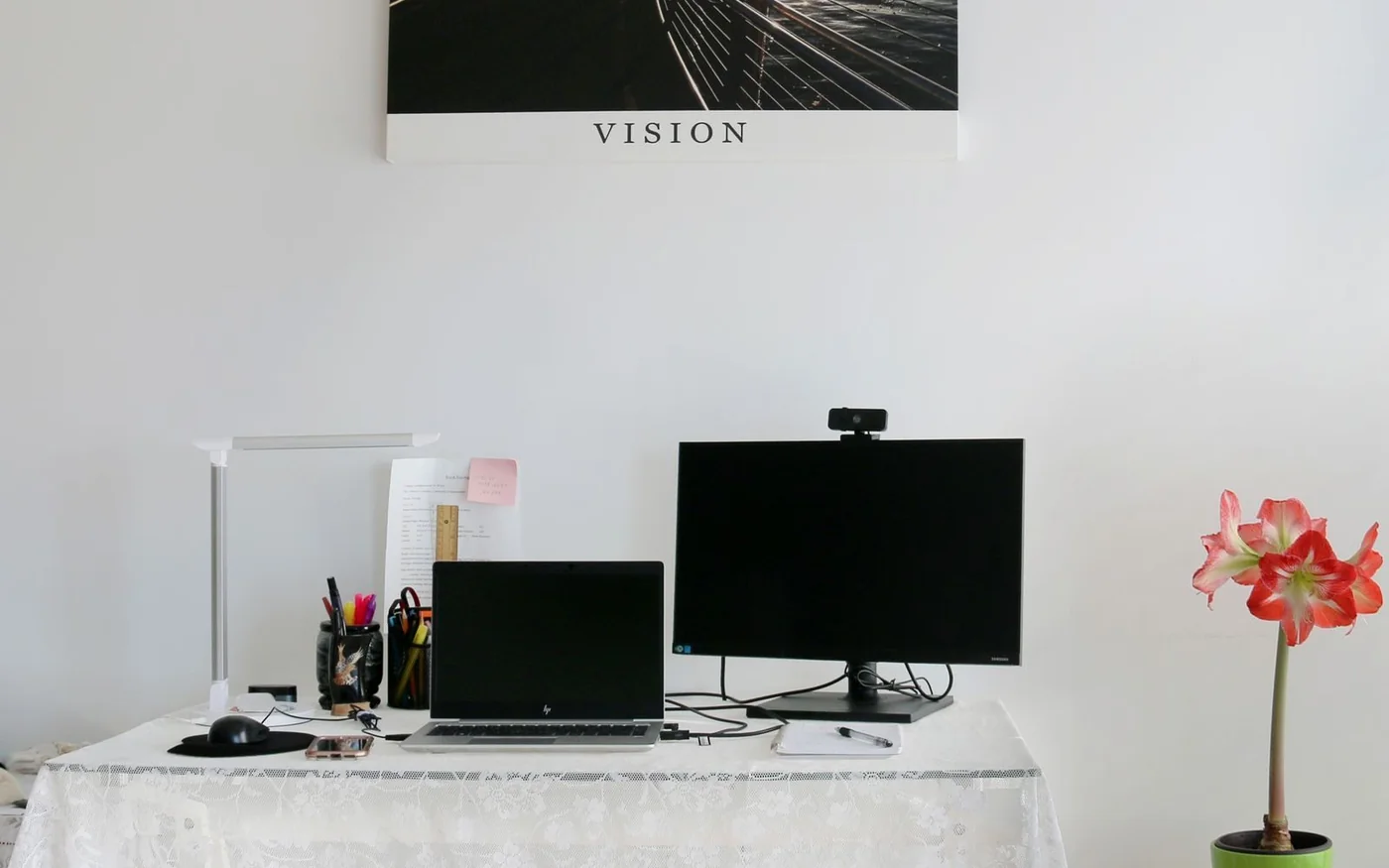
If colleagues keep asking you to repeat yourself, fix the microphone first. The Logitech H390 at AED 98 puts a wired boom mic close to your mouth and gives you headphones at the same time. If they hear you clearly but your laptop camera sits too low, start with the Logitech Brio 100 at AED 139. For regular demonstrations, the Brio 500 at AED 549 adds autofocus and a way to show the desk. The RØDE PodMic USB at AED 705 makes more sense if your desk also doubles as a place to record narration or host interviews.
Prices and availability were checked on UAE retailer listings on 6 November 2026. The H390 offer has a separate delivery charge. Use the individual seller and warranty details when comparing listings, especially if a different marketplace offer becomes the default. Sharaf DG H390 listing · Jumbo Brio 100 listing · Jarir Brio 500 listing · Microless PodMic USB listing
Start with the problem the other person can hear or see
If the picture is dark, turn to face a window or move a lamp in front of you and slightly to one side. Set the camera near eye level and check the picture from your usual seat. A brighter face and a steadier camera angle can matter more than a higher resolution for everyday meetings. If the camera preview looks good but colleagues see freezing or blocks, compare a call from a more stable connection before buying a replacement. Zoom's HD options depend on plan, device, settings and bandwidth. A camera's capture specification does not determine what the meeting sends. Zoom meeting HD guidance
If the sound is hollow, record ten seconds of speech from your normal seat and listen back. Then try with headphones and a mic closer to your mouth. A distant microphone in a room with a tiled floor, bare walls and a hard desk hears more of the room. Position the mic closer, reduce speaker volume or listen through headphones. Try the desk with curtains drawn if the room is reflective. In Teams, select the exact microphone and speaker in Devices and use the test call when available. Noise suppression is also adjustable. Compare it with your usual voice and the keyboard or air conditioning running as they normally would. Microsoft Teams device settings · Teams noise suppression
Logitech H390 for better speech on everyday calls
The black H390, 981-000406, is a wired USB-A headset with a boom microphone and in-line controls. Choose it if you work in a shared room, someone else's voice leaks from your laptop speakers into your call, or you spend the day moving between customer conversations. A headset lets you keep the microphone at a consistent distance when you turn towards a second screen. It also keeps incoming voices out of the room more effectively than leaving the laptop speakers on. Logitech describes the microphone as noise-cancelling. That describes the mic, so evaluate the earcups separately if you need isolation from voices around you. Logitech H390 specifications
The rendered Sharaf DG offer showed AED 98 including VAT, sold by vicky store, with AED 13 shipping for the displayed location and a one-year warranty shown. That's AED 111 when those two displayed amounts are added. Recheck the seller and ask who handles a claim. The marketplace page also displays other sellers for the same model, so compare their delivery and service terms along with price. Sharaf DG H390 listing · Sharaf DG returns and warranty
On a USB-C-only work laptop, use an available data-capable USB-A port on a dock or budget for a suitable adapter. Check where the cable runs before committing to the headset. If it crosses your mouse area or has to stretch to a dock behind the monitor, it can pull on the in-line controls as you move. Set the H390 as both microphone and speaker inside the meeting app. If you're also adding a webcam, use the webcam for video and keep the headset selected for sound.
Logitech Brio 100 for one person at a desk
Jumbo showed the graphite Brio 100, 960-001585, in stock at AED 139. Logitech describes a Full HD 1080p webcam with automatic light balancing, a built-in microphone and a privacy shutter. It connects over USB-A. This is the camera to consider for moving the lens from the laptop lid to the monitor you actually look at. It makes the most sense when you're typically seated in one spot and want the camera above the screen where the conversation is happening. Jumbo Brio 100 listing · Logitech Brio 100 UAE page
Before buying, check the bezel and where the cable has to reach. A monitor with a very thin edge or one pushed against a wall can make a clip awkward. Decide whether you want the main screen centred or the camera to one side. If you use a large display, placing the meeting window close to the lens usually makes it easier to talk to someone without looking away throughout the call. Check the listing's warranty route and ask about opened returns if mounting or compatibility is uncertain. Jumbo service and warranty
For a simple two-device setup, the Brio 100 and H390 total AED 237 in items at the checked prices, or AED 250 when the displayed H390 delivery fee is included. Any Jumbo delivery and any adapters are separate. It is a useful budget for a dedicated camera plus close speech pickup. Check that you have two usable USB data ports before ordering both. If you only have one spare port, the headset may be the better first purchase if the laptop's camera already works well.
Logitech Brio 500 for demonstrations and changing framing
Jarir showed the graphite Brio 500, 960-001422, at AED 549 including VAT, with online ordering available and 12 months of warranty by Jarir. Its pickup indicator showed unavailable at the checked location. Jumbo listed the same model at AED 586 and marked it out of stock during the check. Compare availability on the exact model rather than relying on a search result for the Brio range. Jarir Brio 500 listing · Jumbo Brio 500 listing
The Brio 500 uses USB-C and supports 1080p at 30 frames per second or 720p at 60, with autofocus. Logitech also lists auto-framing and Show Mode. Those features matter if you tutor with paper notes, show a product sample during a presentation or shift position while speaking. Check the setup guide before assuming every framing control will be available on a work laptop. If a feature relies on Logi Tune and your employer restricts software installation, ask IT first. Logitech Brio 500 UAE page · Logitech Brio 500 setup guide · Logitech webcam specifications comparison
If the reason for upgrading is a demonstration, try putting the notes where the camera can see them without shifting the monitor. Check whether the text is readable for another person on the call. For a spreadsheet or a slide, use screen sharing if it suits the task. For a drawing, a physical component or handwriting in progress, the view of your hands can be more useful. The two webcam offers differ by AED 410. Buy the Brio 500 if the framing and desk view solve a recurring problem.
RØDE PodMic USB for a desk that also records
Microless showed the PodMic USB at AED 705 including VAT, in stock, sold by Microless, with a one-year warranty shown. Confirm that the listing says PodMic USB. RØDE also has a PodMic model with a different connection setup. The USB model is a cardioid dynamic microphone with USB-C and XLR outputs and headphone monitoring. For a computer call, the USB route is the simpler starting point. Use the XLR route if you already have a compatible audio interface or need that connection for your recording workflow. Microless PodMic USB listing · RØDE PodMic USB product page
The mic weighs 900 g, and the box list includes the mic, a pop filter and USB cable. Budget separately for a suitable stand or boom arm. Check its load rating and whether a clamp can fit the back of your desk. Position the mic near speaking height and away from the keyboard if possible. A stand that rests against the keyboard tray or a desk you tap while talking can transmit movement. RØDE lists a five-year extended warranty for the PodMic USB under its conditions. Check purchase and registration eligibility and the local claim route before relying on that coverage. RØDE PodMic USB data sheet · RØDE warranty terms
A PodMic USB and Brio 500 total AED 1,254 in listed equipment before the mount, any adapter and applicable delivery. Use that figure when comparing the recording setup with the simpler headset and camera combination. If you buy the microphone, test it with headphones and speak in your normal call voice. Listen for keyboard noise and make sure the mic can remain close while you work. A good position that survives an hour at the desk is more useful than a perfect sound check you can't maintain.
Check the whole setup before your first meeting
Connect the equipment to the computer you actually use for work. In the meeting app select the camera, microphone and output separately, then take a test call with your ordinary room lighting. Try connecting directly to the laptop if a webcam cuts out through a dock. Make sure the dock or adapter carries data and check how many ports are left with the charger and external screen attached. If you use a browser, check its permissions for the meeting site as well as your computer's camera and microphone settings. Microsoft Teams camera troubleshooting
If the equipment works while connected directly, repeat the test after docking and undocking. Apps can keep the previous audio device selected or switch back to a laptop microphone when a dock disconnects. Make the same check after joining through the browser if that is how clients usually invite you. On a shared desk, put the webcam shutter and headset mute within easy reach. The shutter covers the lens, so use the app or headset control when you also need to mute sound. If you leave the desk during a meeting, check the app's camera and microphone indicators before walking away.
Make the last check with another person if you can. Ask them to describe what they hear before you tell them which microphone is selected. Read a sentence, type a few words and speak while facing your second monitor. For video, ask whether the image is well lit and whether anything you are trying to demonstrate is legible. That gives you a better basis for choosing between a headset, a better camera position and the dedicated recording setup.
Official Instagram profiles
 InstagramInstagramLogitech on InstagramVisit website
 InstagramInstagramRØDE on InstagramVisit website
 InstagramInstagramJumbo on InstagramVisit website
 InstagramInstagramSharaf DG UAE on InstagramVisit website
 InstagramInstagramJarir UAE on InstagramVisit website
 InstagramInstagramMicroless UAE on InstagramVisit website


Comments (0)
No comments yet. Be the first!