

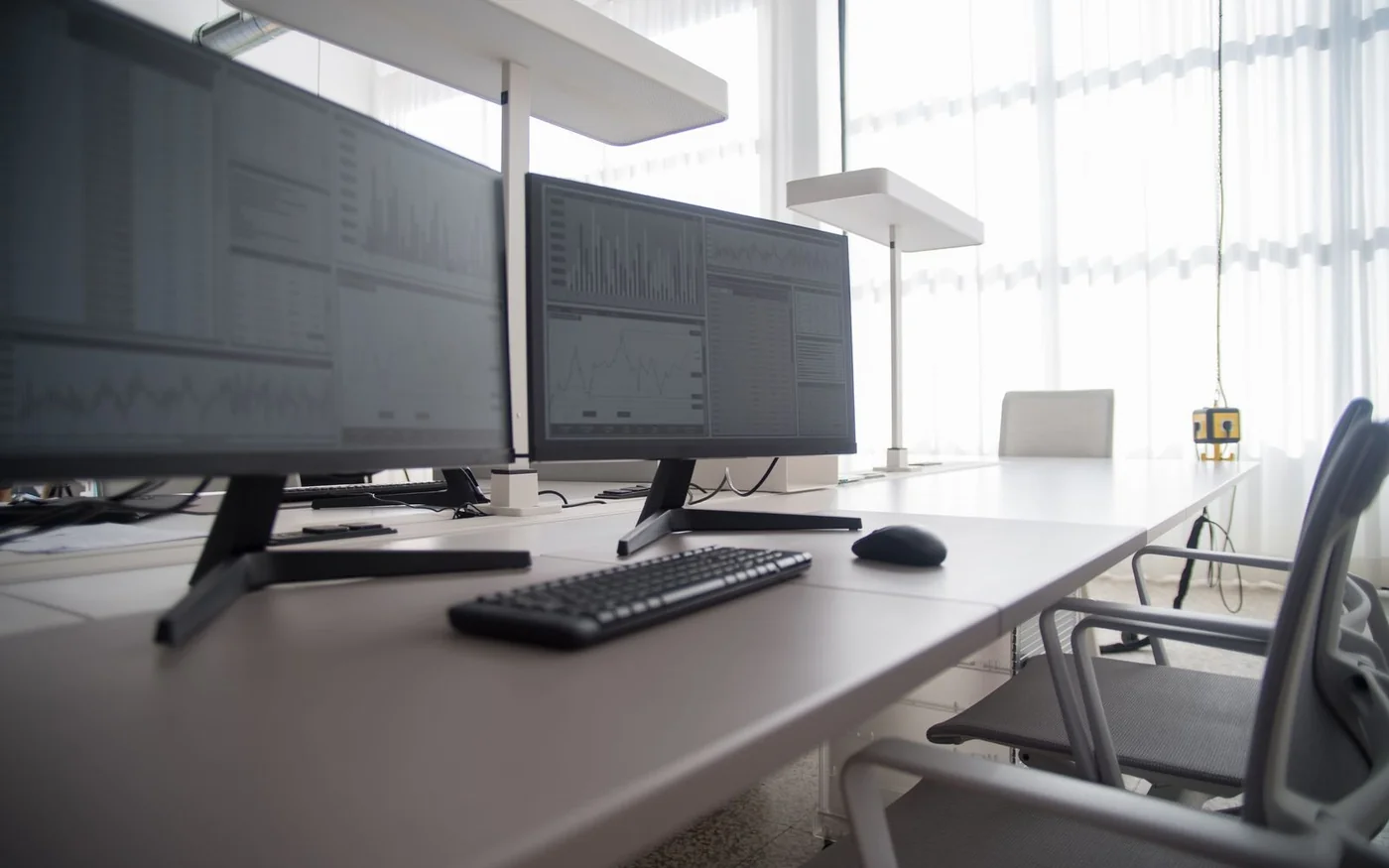
A 24-inch Full HD monitor is a good first look if you’re adding a screen to a shallow desk and usually work in one main window. A 27-inch QHD display gives spreadsheets and side-by-side documents more room while keeping the cabinet around 61 cm wide. A 32-inch 4K display makes sense when you can sit far enough back to take in the edges and need room for a timeline, a wide workbook or several tools at once. The right size is the one you can read from your normal seat with space left for your keyboard.
The three UAE examples below range from a compact Dell at AED 369 to a Samsung with laptop charging at AED 1,515. The 27-inch Samsung in the middle was AED 1,099 and out of stock at both shops checked. Use its dimensions and connections to shortlist equivalents or check for a restock. Prices and order controls were checked on 6 November 2026, and marketplace seller details matter as much as the name across the top of the shop.
Measure the space behind the keyboard
Sit where you work, with your chair pulled in and the keyboard where you normally use it. Measure the usable width between the things that stay on the desk, including shelves, a laptop stand and speakers. Then measure from your eyes to where the screen would sit. Desk depth and viewing distance are different measurements. A 60 cm worktop can put the screen closer than you expect if the back edge is against a wall and the stand or cables force it forward.
Mark the monitor width with masking tape or hold up a piece of cardboard. The 23.8-inch Dell below is about 54 cm wide, the 27-inch Samsung about 61 cm, and the 32-inch Samsung about 71 cm. Leave clearance around that outline if you plan to swivel the panel or rotate it into portrait. Use the monitor’s stand depth when planning keyboard space, and add clearance for the plugs and cable bends. The Samsung examples both have a published depth of 22 cm with stand, although the 32-inch cabinet extends about 10 cm farther across the desk.
A monitor arm can move a screen back and free the space occupied by the base. Check the desk edge from underneath before buying. A back rail, drawer or raised lip can prevent a clamp from sitting flush. Confirm the monitor’s VESA hole pattern and its weight without the stand, and check the arm maker’s limits for that weight and screen size. For a sit-stand desk, leave enough cable slack at full height and route the cables where the arm can move without pulling on a port.
What you get from more pixels
Full HD is 1920 × 1080, QHD is 2560 × 1440, and the 4K UHD displays in this class are 3840 × 2160. At 23.8 inches, Full HD works out to about 93 pixels per inch. At 27 inches, QHD is about 109 ppi. At 32 inches, 4K is about 138 ppi. A 27-inch 4K screen packs those same 4K pixels into about 163 ppi. Those figures describe pixel density. Your chosen text size and how far back you sit determine how that density feels at work.
More pixels can show finer text and lines. They can also give you more usable space, depending on display scaling. At 150% scaling, a 3840 × 2160 desktop has roughly the logical workspace of 2560 × 1440 in software that scales properly. That is a way to think about layout. The screen still draws the interface using its physical 4K pixels. A 32-inch 4K buyer who prefers large text may get sharper text and a larger physical image while seeing about as many windows as on a 27-inch QHD display at 100%.
For reading and writing, test a browser, a PDF and one application you actually use. For spreadsheets, open a file that usually makes you scroll sideways and see which columns fit at your normal zoom. If you edit video or photos, leave the tools and timeline open when comparing. Those panels take up space you won’t see in a full-screen demo. Higher resolution by itself tells you little about colour accuracy. For colour-critical work, establish the target colour space and calibration requirements and look for measurements specific to the model you’re buying.
24-inch Full HD for a compact desk
The Dell SE2425HM is a 23.8-inch Full HD example for schoolwork, browser tools or a single main document. Dell specifies up to 100 Hz over HDMI, a tilt stand, HDMI and VGA inputs and a 100 × 100 mm VESA mount. Its assembled footprint is about 54 cm wide and 18 cm deep. If the built-in stand leaves the screen too low, include the cost and footprint of a riser or compatible arm before deciding that this is the cheapest way to finish the desk. Dell specifications · Dell UAE support
Sharaf DG’s marketplace showed AED 369 including VAT from SunHan computers, with an active Add to Cart button and a listed one-year warranty. The page showed AED 15 shipping for the Deira City Center sample, which adds up to AED 384 on that listing before any order-specific changes. Confirm who handles the warranty and ask about defective pixels before paying. Dell’s UAE support page gives you a route to check the model. Confirm coverage on the actual unit with the seller or Dell. Dell SE2425HM UAE listing
If you mostly read and write in one window, this leaves room for a laptop to one side. If you expect to read two dense documents side by side all day, see whether a 27-inch QHD screen fits before ordering. The extra horizontal pixels can spare you the choice between squeezing each window and zooming in so far that the lines wrap.
27-inch QHD for two windows without a very wide screen
Samsung’s ViewFinity S6 S60D LS27D606EAMXUE is a 27-inch 2560 × 1440 IPS example with up to 100 Hz. Samsung lists a height-adjustable stand that tilts, swivels and pivots, HDMI, DisplayPort and a USB hub. The cabinet measures 61.29 cm wide and the complete setup 22 cm deep. There’s no laptop-charging USB-C input in the specifications for this suffix. Use HDMI or DisplayPort for the image and plan a separate laptop power connection. If you use the screen’s USB hub, check the upstream connection for your computer as well. Samsung UAE S60D specifications
Both Sharaf DG and Jumbo showed AED 1,099 and out of stock on the exact model. The useful comparison is the specification, not a purchase at that price today. If you need a screen now, match the 2560 × 1440 resolution, stand adjustment and actual ports on an available listing before comparing prices. A similarly named 27-inch Full HD screen fills roughly the same physical space and leaves fewer pixels for your windows. Sharaf DG S60D listing · Jumbo S60D listing
There’s also a case for 27-inch 4K if the width fits but you spend most of the day looking at small type or fine lines. Try your preferred scaling in person if you can. If you rely on older desktop software, test its menus and dialog boxes on a scaled display. That’s where a good-looking browser demo may leave you with unanswered questions.
32-inch 4K for a wider workspace and one-cable laptop setup
The Samsung ViewFinity S8 S80D LS32D806UAMXUE combines a 32-inch 3840 × 2160 panel with a height-adjustable stand, Ethernet, a built-in KVM switch and a USB-C connection with up to 90 W charging. Samsung lists a width of 71.39 cm, a depth of 22 cm with stand, a 100 × 100 mm mount pattern and a panel weight of 4.5 kg without the stand. Samsung also lists an included USB-C cable and DisplayPort cable for this version. Use the full UAMXUE model suffix when confirming these features. Samsung separately lists a similarly named EAMXUE version. Samsung UAE S80D specifications · Samsung EAMXUE variant
Sharaf DG’s marketplace showed AED 1,515 including VAT from Ard Al Zaeem, an active Add to Cart control and a listed one-year warranty. The delivery panel for Deira City Center showed AED 13 and a free-shipping indication together. Confirm the applicable shipping charge separately, and ask the seller to name the warranty provider in writing. Samsung S80D UAE listing
This is the strongest example here for a person who brings the same laptop home every day and wants to reconnect a screen, keyboard and wired network quickly. The laptop’s port needs to support video and accept USB-C charging. Compare its power requirements with the monitor’s 90 W limit. Keep the original charger available if the computer needs more power under sustained load. If you intend to share the monitor and peripherals between two computers, check the KVM cabling in the manual. Each computer needs a path for video and for the USB devices you expect to switch. Samsung S80D manuals and support
When two screens make more sense
Keep the laptop open beside the monitor if you routinely watch a call or chat window while using a full-size document. Put the display that carries your main work directly in front of you, and check where the laptop camera will sit before buying a riser. If you mostly work inside one uninterrupted timeline or workbook, a single wide workspace avoids the gap between screens. Mock up both layouts with the laptop, keyboard and a cardboard screen outline. Include space to reach the laptop’s power button and plug in a headset without moving the monitor.
Check the whole connection and the return route
Trace the connection from computer to screen before ordering a cable. Include any dock, adapter or switch already on your desk. Check the resolution and refresh rate each part can carry, particularly if you want 4K or are connecting more than one display. If the laptop has several identical-looking USB-C ports, check its manual for the one that carries video. For two displays, verify the computer’s native display limit and the dock’s specific multi-monitor support. For a desktop with a dedicated graphics card, identify the outputs on the card and use those when checking compatibility.
Save the full model number, invoice seller, published return terms and warranty provider. If there’s a pixel defect, a monitor maker may apply different thresholds according to the model and coverage. Dell’s UAE support page describes Premium Panel Exchange for eligible products. Ask how the exact screen is covered and whether the shop requires the original box for a fault claim or return. Sharaf DG publishes separate conditions for its marketplace. Read those before breaking the seal if your purchase depends on trying the screen at home. Dell UAE monitor support · Sharaf DG return and exchange terms · Samsung UAE warranty terms
After setup, confirm the native resolution and desired refresh rate in display settings. Try the monitor with the desk lamp and window light you normally work in. Open the document or timeline that drove the purchase. If the screen only feels comfortable with the keyboard hanging over the edge, move the panel back or reconsider the stand while you still have the packaging and any applicable return window.





Comments (0)
No comments yet. Be the first!