

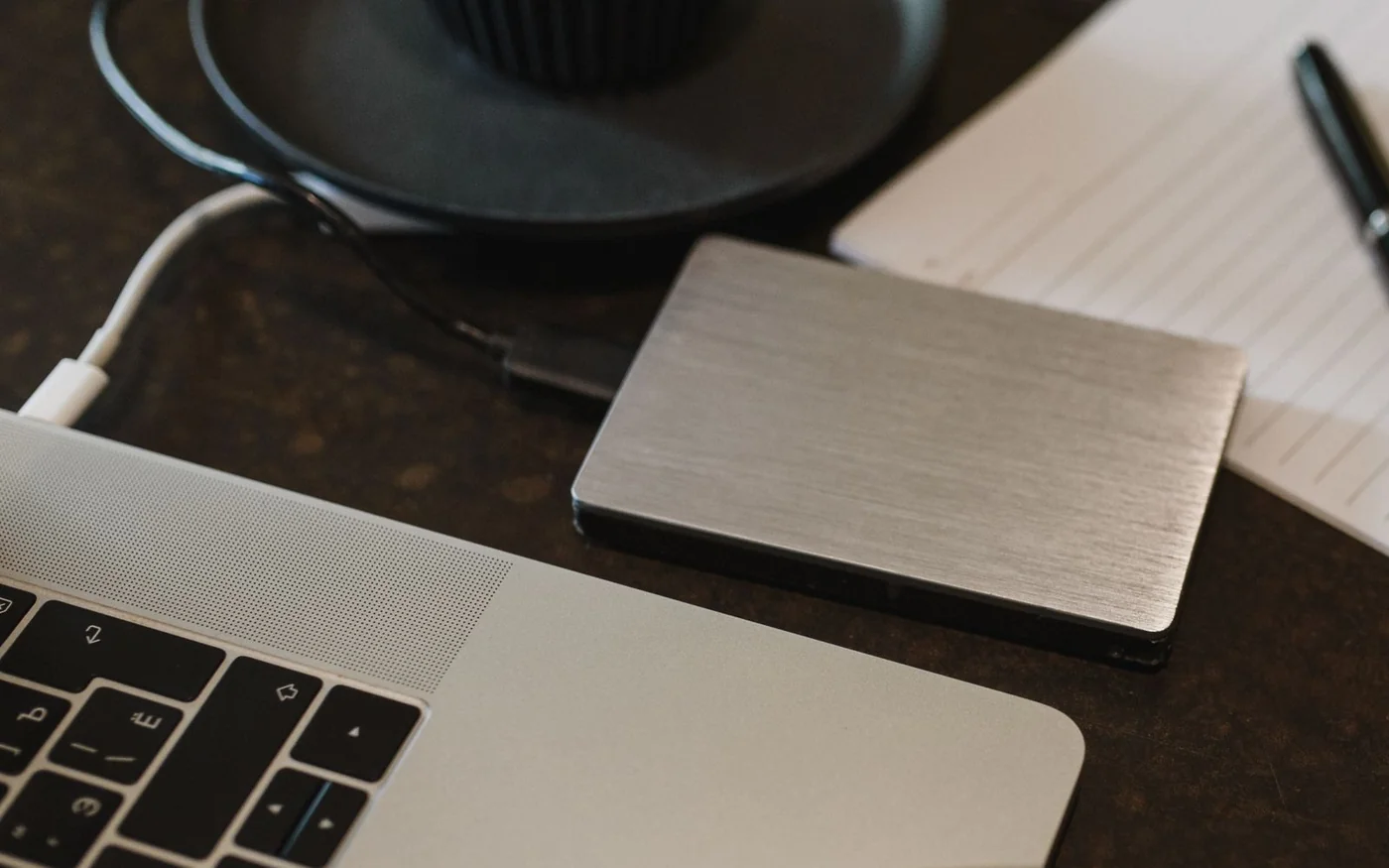
Buy for the port you copy files through every day. The Samsung T7 Shield 2 TB is a 10 Gbps drive with an IP65 rating. The Samsung T9 2 TB can use a 20 Gbps USB 3.2 Gen 2x2 connection. If your computer or dock only connects to the T9 at 10 Gbps, its headline speed is out of reach. The premium makes most sense when your computer explicitly supports Gen 2x2 and you frequently move large files from storage that can feed it. Samsung Gulf T7 Shield specifications · Samsung Gulf T9 specifications
DubaiPicks checked UAE listings on 6 November 2026. Jarir showed AED 915 for the black T7 Shield, with orderable stock unconfirmed. Sharaf DG showed AED 1,669 for the black T9 from marketplace seller Amtradez, with Add to Cart available. Both prices included VAT. The AED 754 difference is between those displayed prices. Confirm stock and the warranty issuer before treating it as the difference between two available purchases. Jarir T7 Shield listing · Sharaf DG T9 listing
T7 Shield for 10 Gbps ports and a drive that travels
The black 2 TB Shield is MU-PE2T0S/WW. Samsung Gulf rates it for sequential reads up to 1,050 MB/s and writes up to 1,000 MB/s over USB 3.2 Gen 2. The box includes USB-C to USB-C and USB-C to USB-A cables. Either can be useful in a mixed office, but the speed still depends on what the computer port supports. Samsung’s IP65 rating and drop-resistance claim are based on controlled tests. Its product page excludes damage from liquid, dust and drops from warranty coverage. Samsung Gulf T7 Shield specifications · Samsung T7 Shield data sheet
The Shield fits a photographer moving between a studio desktop and a laptop, or someone who carries a project drive in a bag every day and uses a 10 Gbps dock. Its case is a reason to choose it over a similarly priced bare drive when you work around dust or carry equipment outdoors. Its speed tier also suits someone moving the occasional big folder who would rather buy enough capacity for the whole job than save time on the first copy.
Jarir’s page identifies the model in its manufacturer-number field, shows 12 months of warranty by Jarir, and displays AED 915. Availability and delivery were unconfirmed on the checked page. AWPRO displayed AED 865 including VAT for its black 2 TB Shield, with a Sold out label, even though it also displayed a delivery estimate. Microless marked the exact black 2 TB model out of stock as well. Use those listings to check the product and seller terms. Base a time-sensitive purchase on a current stock confirmation. Jarir T7 Shield listing · AWPRO T7 Shield stock page · Microless T7 Shield stock page

T9 for repeated large copies on a confirmed 20 Gbps connection
Samsung Gulf lists its black 2 TB T9 as MU-PG2T0B/WW, with sequential reads up to 2,000 MB/s and writes up to 1,950 MB/s. Use the supplied USB-C data cable and a host port explicitly specified for USB 3.2 Gen 2x2 to reach that link tier. Those figures are manufacturer maxima. They describe what the drive can do with a suitable test setup and transfer, and a working day includes source cards, hubs and files of different sizes. Samsung Gulf T9 specifications
Sharaf DG’s AED 1,669 marketplace offer names Amtradez as the seller and MU-PG2T0B/AM as the product in its headline. It showed a one-year warranty and a delivery estimate of 9–10 November for the selected Deira City Centre area. The public page showed free shipping for that sample location and a 14-day returns label. Check the detailed marketplace terms before opening the packaging if you may need to return it. Ask Amtradez to confirm the suffix printed on the box and who handles a UAE warranty claim. The Gulf manufacturer page describes the /WW variant. AWPRO’s matching /WW listing showed AED 929 including VAT and Sold out. Sharaf DG T9 listing · Sharaf DG return and warranty policy · AWPRO T9 stock page
The T9 makes a clearer case for a desktop workstation that ingests several large media folders a day through a confirmed 20 Gbps port. If you take the drive between that workstation and a laptop with a slower USB connection, count the time saved on the workstation only. If most of your waiting happens while you pull clips off a slower card reader, a faster destination drive may leave that step unchanged.
 InstagramInstagramSharaf DG UAE on InstagramVisit website
 InstagramInstagramSamsung Gulf on InstagramVisit website
Read the port specification before the SSD box
USB-C describes the shape of the plug. Open the specifications for the exact laptop, motherboard or dock and find the speed and protocol of the port you will use. On a desktop, look at the rear port diagram and the front-panel specifications separately. On a dock, look at the downstream port where the drive will connect. The host-facing cable and fastest port on the computer tell you only part of that story. Samsung calls for Gen 2x2 support from the host and cable for the T9 to reach its maximum. Samsung storage buying guide
Apple’s M5 MacBook Air illustrates the distinction. Its UAE specifications advertise Thunderbolt 4 and USB 4 up to 40 Gb/s. Those figures alone do not establish 20 Gbps USB 3.2 Gen 2x2 support for this particular SSD. Budget for the USB mode the machine and drive actually negotiate. If you want a speed upgrade specifically for a USB4 host, compare drives that explicitly support USB4 and check the cable and port requirements for that model. Apple UAE MacBook Air specifications · Samsung Gulf T9 specifications
For a first test, use the bundled data cable straight into the computer. Copy a representative folder from a fast internal drive and time the full copy, then repeat through your dock if that is your usual setup. A direct connection helps separate a drive limit from a slower cable, hub or shared dock connection. Keep both tests in the same direction. Reading from a portable drive and writing to it measure different jobs.
Estimate time from the files you actually move
For scale, 100 GB at an average 800 MB/s takes about 125 seconds. At an average 1,600 MB/s it takes about 63 seconds. These are arithmetic examples using decimal units. Real speeds move around with file size, drive temperature, the source and the amount of data written at once. For someone copying a big folder between meetings once a month, roughly a minute of hypothetical savings may have little value. For someone doing several copies before a deadline every day, it can add up.
Tom’s Hardware tested the 2 TB T7 Shield with a sustained write workload as well as shorter benchmarks. TechRadar’s T9 review explains how the write buffer differs by capacity and reports results for its own review sample. Treat those results as evidence about the tested configurations. A short benchmark and a long write can tell different stories, and results from another capacity cannot supply an exact sustained rate for the 2 TB drive. If your largest copy is hundreds of gigabytes, look for a long-write test on the exact capacity and try your own transfer once you have it. Tom’s Hardware 2 TB Shield testing · TechRadar’s T9 test and buffer analysis
Match the drive to the slowest part of your day
If you mostly back up photos and documents at the end of the week, clock the entire backup once. A folder with thousands of tiny files can spend much of its time creating files and updating directory information. A single video of the same total size can behave quite differently. If your current backup is already finishing while you eat dinner, look first at whether you have enough room to keep earlier versions. If the long part is copying from an old computer or a slow card, replacing the destination SSD alone may leave much of the wait in place.
If you edit directly from the drive, try a short sequence with the same number of streams, resolution and codec you normally use. Pay attention to whether playback drops frames, whether thumbnails load promptly and whether exports are held up by the drive or by the machine encoding the video. Copying a single file at a high average speed tests a different part of that workflow. For direct recording from a camera, use the camera maker’s compatibility information for your exact model and recording mode. A stable copy to a desktop tells you little about how a particular camera powers the drive or handles a long recording.
For work shared between two machines, try the handover itself. Plug into each computer using the cable and port that will be available away from your desk. Open a sample project, write a small file and open it on the other computer. If you use password protection, do the same test after locking the drive. A short trial can expose a read-only mount, a missing unlock tool or a much slower desk port before you move the only working copy of a project.
Work out capacity, encryption and support before buying
Add up the active library, the largest incoming project and any exports or temporary files you also expect to keep. If those fit on paper with very little room left, check how much space the drive reports after formatting. Samsung counts 2 TB as two trillion bytes, which is about 1.82 TiB before formatting. Capacity can look lower on a computer that displays it in binary units. If your active projects are already close to that size, more room may solve a bigger problem than a faster port. Keep a second copy of files you cannot replace, especially before clearing cards or deleting older versions. Samsung Gulf T7 Shield specifications
Both models support Samsung hardware encryption with password protection. Before using it for a shared workflow, check how every machine that needs the files will unlock the drive. That includes a managed work laptop where you may lack permission to install software. Before encrypting or reformatting a drive, keep the original data elsewhere and test the intended setup with a disposable file. Samsung’s Shield manual describes a factory reset as the route back to using the drive if you forget the password, with loss of the data stored on it. Samsung T7 Shield user manual · Samsung Gulf T9 specifications
Samsung Semiconductor lists limited manufacturer warranty periods of three years for T7 Shield and five years for T9. Local listings may show a different period or claim route. Before paying, ask the seller whether the exact suffix and serial can be serviced by Samsung in the UAE, whether the seller handles claims and what proof of purchase you need. Save the invoice and product label. A replacement drive can restore your storage capacity. Your second copy is what restores your work. Samsung Semiconductor SSD warranty terms · Samsung Gulf support



Comments (0)
No comments yet. Be the first!