

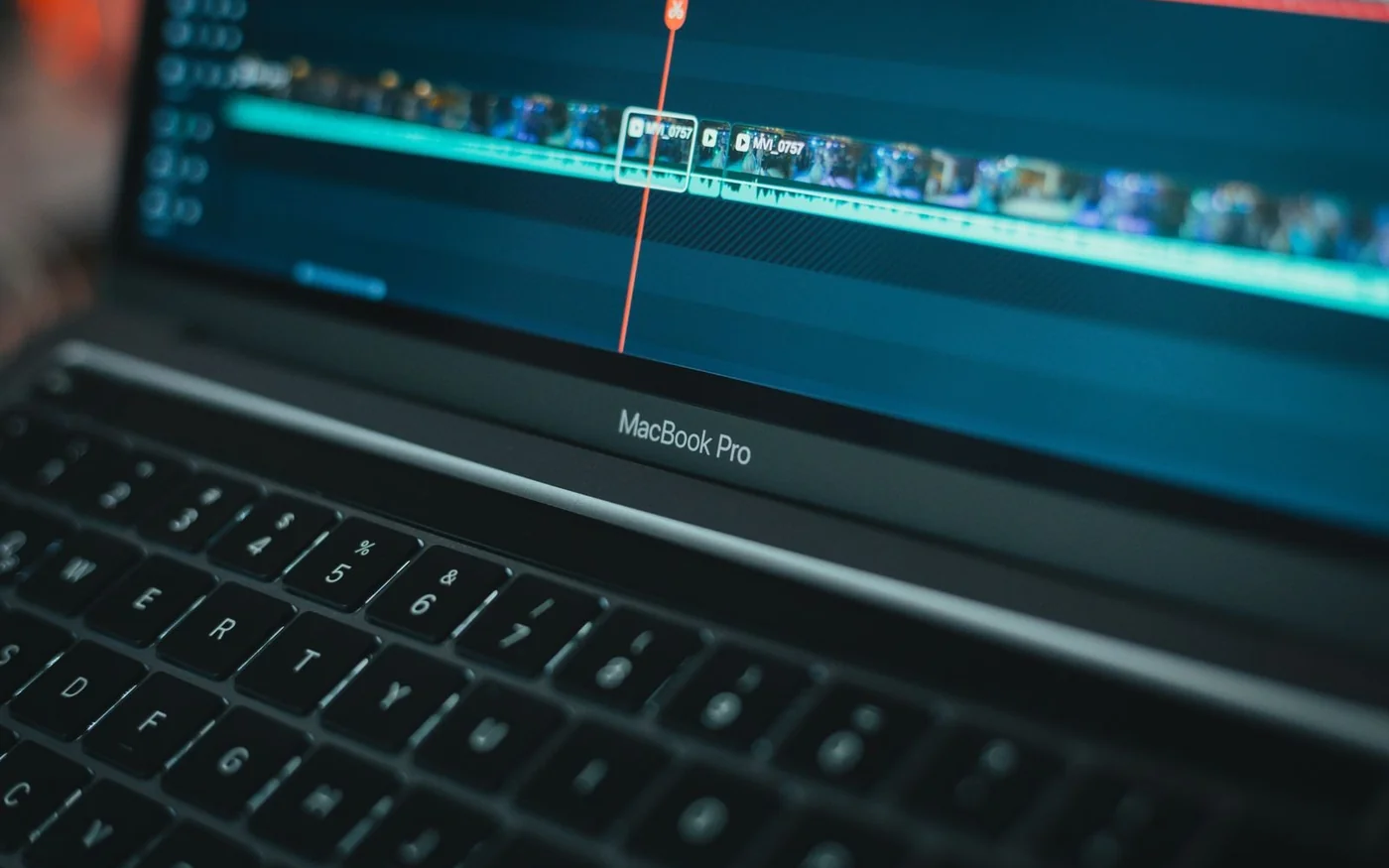
For Lightroom, Photoshop and short edits you carry between shoots, start with the 13-inch MacBook Air M5 at AED 5,499. For recurring 4K work and a larger screen you can use away from the studio, look at the 16-inch MacBook Pro M5 Pro at AED 12,499. If you need Windows, a dedicated NVIDIA GPU or a 16-inch OLED touchscreen, Gear-up listed the ASUS ProArt P16 H7606WP-OLED235XZ at AED 13,707. Its published return policy excludes laptops from change-of-mind refunds and exchanges, so confirm the screen and keyboard before ordering.
These are UAE listing prices checked on 6 November 2026. The ProArt page showed stock when checked. The Apple prices are for the specific direct-store builds below. Confirm Apple pickup or delivery for your location and the seller’s latest stock before scheduling work around a new machine.
MacBook Air M5 13-inch for photo work and a light kit
Apple UAE showed AED 5,499 with free delivery for the Sky Blue build with a 10-core CPU, 8-core GPU, 16GB unified memory and 512GB SSD. It showed an Arabic backlit keyboard in the configuration. The machine weighs 1.23kg and has a 13.6-inch, 2560 × 1664 display rated at 500 nits with P3 colour. It has two Thunderbolt 4 ports and MagSafe charging. If your camera uses SD cards, pack a reader. With an external SSD attached, it helps to know which connection you will use for the card reader and whether a display will take another port at the desk. Apple UAE exact configuration · Apple M5 Air specifications
This is the first one to price for a photographer who culls on location, builds Lightroom previews, retouches selects in Photoshop and delivers web galleries. The light weight matters when the rest of your bag is lenses and batteries. The smaller screen is easier to live with if you already have a monitor at home for comparing crops or setting final colour. If you edit all day on the laptop alone, open a sample catalogue and see how much of the image remains visible with the filmstrip and controls up.
Adobe lists 16GB or more as its general Lightroom Classic memory recommendation. It also sets out higher GPU resource guidance for features including AI Denoise. On the Air, CPU and GPU share the 16GB pool. If you send large batches through Denoise or keep Lightroom and a layered Photoshop project open together, compare the price of the 24GB Air with your base build before ordering. If your main problem is storing two weeks of jobs, price a working SSD and a separate backup before buying extra internal capacity. The memory configuration has to be chosen upfront. Adobe Lightroom Classic requirements
The M5 has hardware support for common formats including H.264, HEVC and ProRes. That makes the Air worth considering for short edits with compatible footage. If the work is an event film with long exports, multiple angles or noise reduction across whole sequences, look at the actively cooled Pro and test an actual timeline before committing. The Air’s portability earns its keep most when most of the footage is cut in short sessions and the heavy work is occasional. Apple M5 Air media engine
MacBook Pro M5 Pro 16-inch for regular video work
The Apple UAE listing showed AED 12,499 with free delivery for Space Black, standard display, an 18-core CPU, 20-core GPU, 24GB unified memory and a 1TB SSD. The 16.2-inch, 3456 × 2234 Liquid Retina XDR display gives a larger preview alongside the timeline. Apple lists P3 colour, ProMotion up to 120Hz and 1,000 nits sustained full-screen for XDR content. The built-in SDXC slot, HDMI and three Thunderbolt 5 ports make it easier to keep a drive and display connected while ingesting footage. Check your card format before assuming the built-in reader covers your kit. Apple UAE exact configuration · Apple MacBook Pro specifications
The case for spending AED 7,000 more than the listed Air is strongest if you can name the work the extra money buys back. Think of a second camera angle you need to scrub while the timeline plays, a long export you start late in the day or a grade you must finish while away from an external monitor. A larger screen also gives a client more to look at across a table. If you spend most of the week sorting stills and export a short clip on Fridays, keep the Air in the comparison and consider what the difference would cover in storage and monitoring.
Notebookcheck’s independently tested 16-inch M5 Pro with the 20-core GPU scored 105,296 in PugetBench Premiere Pro Standard and 83,560 in Resolve Standard. The Premiere result came from benchmark version 2.0.1 with Premiere 26. The Resolve result used benchmark version 2.0.0 with Resolve Studio 20.3. The review unit had 64GB of memory, a 4TB SSD and the nano-texture display. These numbers describe that review system and test suite. Use them as evidence for this chip and chassis, and check your own footage, effects and deadlines separately. Notebookcheck’s published test results
ASUS ProArt P16 for Windows and dedicated GPU memory
Gear-up’s AED 13,707 VAT-inclusive listing showed three to five available for H7606WP-OLED235XZ, with Ryzen AI 9 HX 370, 32GB system memory, 1TB SSD, RTX 5070 Laptop GPU with 8GB dedicated graphics memory and Windows 11 Pro. It describes a 16-inch 2880 × 1800 OLED touchscreen with a 120Hz refresh rate and 100% DCI-P3 coverage. The retailer lists a card reader, HDMI, USB4 and USB-A. The ProArt P16 family includes different panels and component combinations, so keep the full suffix on the quote. ASUS documents other 3K models in the family, but the panel and ports listed here are for the Gear-up offer as described by that seller. Gear-up exact ProArt listing · ASUS ProArt P16 family
Put this on the shortlist if your studio runs Windows, your project relies on an NVIDIA-accelerated effect or you regularly move Premiere projects between Windows machines. Adobe’s current Windows recommendations include 32GB or more for 4K and higher and 8GB of GPU memory. This ProArt meets those memory figures. Before you price a move to 64GB system memory, work out which resource is under pressure. A complex composition can need more system RAM while a grade with GPU-heavy effects can run into the dedicated 8GB limit. Buying more system memory in a different build with the same GPU keeps the dedicated GPU capacity at 8GB. Adobe gives separate macOS guidance, including 16GB unified memory for Apple silicon, so compare the machines against their own platform and the actual projects. Adobe Premiere technical requirements
Gear-up advertises a 24-month local warranty and free shipping over AED 600 on the product page. Its warranty guidance makes coverage product-dependent. Before paying, get the claim handler, duration, serial eligibility and return freight in writing for this suffix. Ask for the physical keyboard layout and delivery estimate too. The general return page offers a limited window for certain eligible unopened products and lists laptops separately among its exclusions. Keep a copy of the seller’s instructions for reporting a defective or incorrect unit. Gear-up warranty guidance · Gear-up return policy
Match the benchmark to what you wait for
Puget Systems’ Lightroom Classic public results illustrate how much the answer can change by task. In the published aggregate for benchmark group 34, the M5 Pro 20-core GPU group took about 19 seconds to create 100 Canon Smart Previews, against about 45 seconds for the M5 10-core GPU group. The corresponding 100-JPEG export took about 64 and 94 seconds. The M5 group in that comparison has a 10-core GPU, while the Air priced here has eight. The submissions also span different memory configurations. Use the results to pick the operations worth testing and keep the group comparison separate from the three retail builds. Puget Systems Lightroom Classic results
If a dealer can demonstrate an editing machine, ask to open a short sample from your own camera. Try playing it, moving the playhead through a cut, applying your usual correction and exporting the format your client takes. Ask which app version is installed and whether the timeline is running on original files or proxies. For stills, time the thing you repeat every week, such as exporting 100 JPEGs or applying Denoise to a selection. A test using one clean demo clip tells you little about mixed frame rates or the effect you use on every shot.
When it makes sense to change the configuration
Look at where your current machine slows down before spending the difference. If playback stutters on original files but works smoothly with proxies, compare how long it takes to generate those proxies and whether that delay matters on a job. If playback holds up and exports get slow only after you add noise reduction, run a test with that effect enabled. If the slowdown happens when you switch from a large retouch to the catalogue and back, look at memory pressure and disk usage during that switch. Each points to a different part of the purchase.
For an editor buying around a particular plugin or capture device, verify the supported operating system, app version and driver before comparing scores. Check that your presets and colour-management settings travel with the project, and have the other editor open an exported project or interchange file before your first deadline. A laptop that finishes the job on time still needs to hand it off in a form the next person can use.
Spend for the screen and storage you will use
For web photos, decide where you will proof an sRGB export and set a consistent display brightness there. Wide gamut is useful when you work with wider colour spaces, and your browser, editing app and delivery format still need to interpret the file correctly. For video, decide whether your handoff is Rec.709 SDR or HDR before paying extra for peak brightness. Confirm a suitable monitoring setup for final HDR decisions and view it under controlled light. Try a dark image on the exact laptop panel if you work near a window. Reflection can be more distracting than the resolution difference when you are judging shadow detail.
Size storage using a real project. At 200 megabits per second, one hour of camera footage is about 90GB before proxies, cache, audio and exports. Two hours each from two cameras at that rate are about 360GB in original footage alone. With that kind of project, put media on a fast external SSD and plan for a separate backup as well as space for apps and cache. Adobe recommends a fast internal SSD for apps and cache and an additional high-speed media drive. Use the ports you will actually have available once a card reader and monitor are connected. Adobe Premiere storage guidance
Apple UAE publishes a 14-calendar-day change-of-mind window for eligible standard hardware purchased directly, subject to its terms. Verify how those terms apply if you change the configuration or buy through another seller. Keep the box and invoice through the initial setup. Check the keyboard and screen on arrival, then load a copy of a real job, run an export and confirm the drive and monitor connect as expected. If you need to finish a paid job that week, keep your existing setup available until the new one can run it end to end. Apple UAE returns policy
For official brand and retailer updates, follow the profiles below. Use the exact UAE listings above for configurations and prices. Apple on Instagram · ASUS Middle East on Instagram · Gear-up on Instagram

Comments (0)
No comments yet. Be the first!