

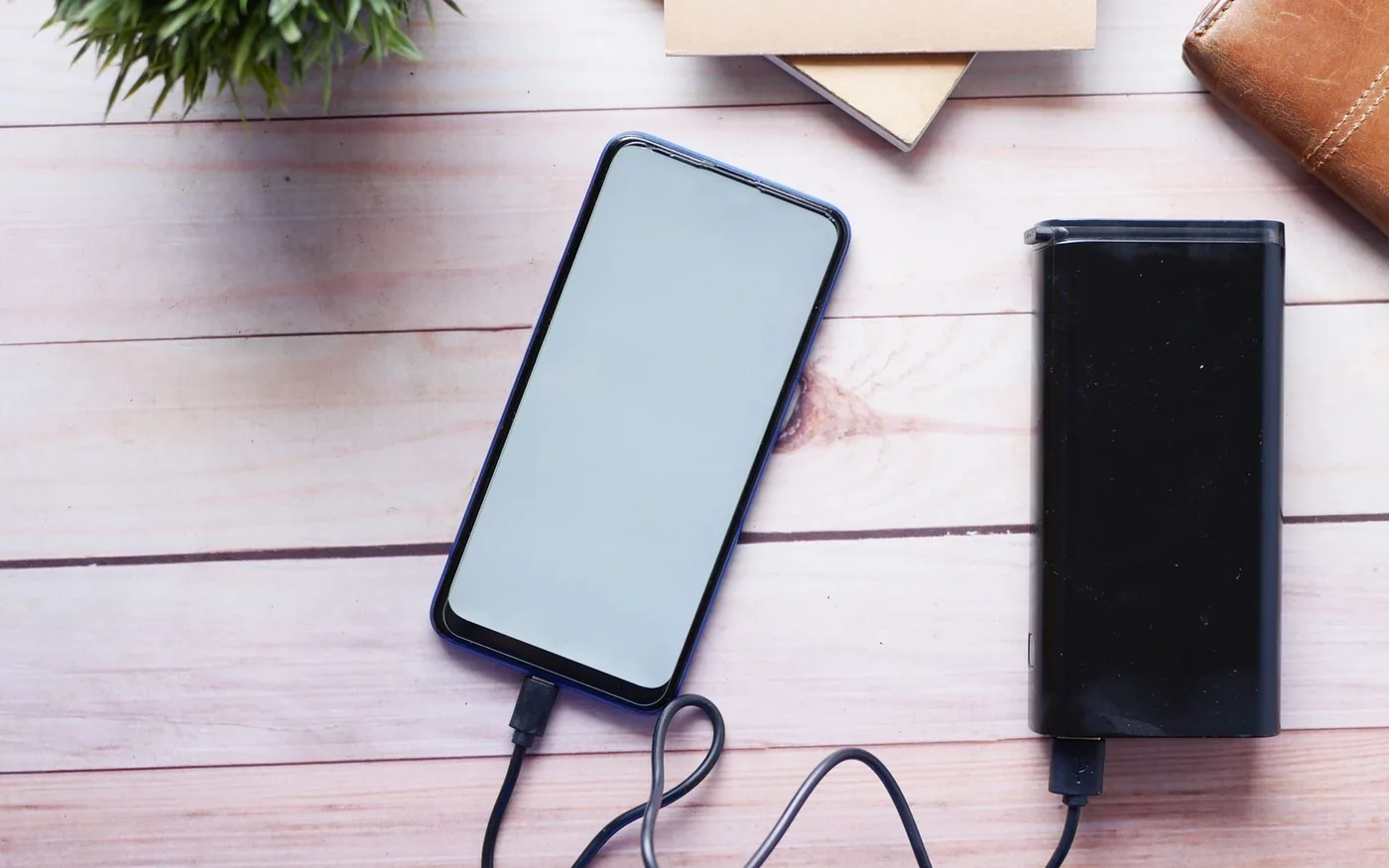
For a phone you top up between meetings, start with a compact USB-C bank. For a laptop, check the laptop’s USB-C charging requirements first, then look for a bank and cable that can supply the right power. If you’re flying, check the watt-hours printed on the unit before you pay. The wattage on the front of the box tells you how fast the bank can deliver power under the right conditions. The watt-hour rating is the figure you need for airline carriage.
Two UAE examples show what you get as you move up in size. On 6 November 2026, the public Sharaf DG listings checked showed AED 200 for the black Anker Nano A1259H11 and AED 399 for the black Anker 737 A1289011, both including VAT. The Nano’s A1259 platform is rated 36 Wh and up to 30 W from a single USB-C connection. The 737’s A1289 platform is rated 86.4 Wh and can supply up to 140 W over compatible USB-C. Confirm the price, seller and label on the unit you receive. Sharaf DG Nano listing · Sharaf DG 737 listing · Anker A1259 energy rating · Anker A1289 energy rating
Start with the device and the time away from a socket
For a commute, choose a bank you’ll actually carry. The Nano weighs about 215 g and has a short built-in USB-C cable, a separate USB-C port and a USB-A port. The built-in lead is handy for a compatible phone in your hand or on a table. If you need to put the bank in a bag and use the phone at the same time, try the cable reach before relying on it. A removable longer cable can plug into the separate port. If your phone has Lightning, pack the appropriate cable instead of assuming the attached USB-C plug will fit. Anker Nano ports, weight and electrical specifications
For a tablet, think about what you do while it charges. A quiet top-up during lunch puts less demand on the bank than drawing on the tablet at high brightness. Check whether the tablet uses USB Power Delivery and how much power it can accept. The same approach applies to a laptop. Read the output printed on the supplied adapter and confirm that the laptop supports charging through the USB-C port you intend to use. Some USB-C ports are for data, and some laptops that can charge over USB-C use a different connector or more power for demanding work.
The 737 makes more sense if a laptop actually needs the higher output or you want more energy for a long day. Anker specifies up to 140 W over USB-C and USB Power Delivery 3.1 capability. Getting that rate depends on the cable and the device negotiating the required charging mode. Check the laptop’s documentation for the correct connection and use a cable rated for the power you want. For a laptop that only accepts 65 W, the higher headline output won’t turn it into a 140 W load. If the computer draws more power than it receives while you work, the battery can still run down. Anker 737 output and protocols · Anker 737 charging troubleshooting
Read the output for the ports you’ll use
Check the single-port and shared-output figures separately. On the Nano, Anker lists 30 W maximum through one USB-C connection and 24 W maximum total in its multi-output specification. If you connect a phone and tablet together, the charging behaviour will differ from charging each alone. Look for the table for the exact port combination instead of adding the numbers printed beside each port. For a short stop, you might give the laptop or phone the fastest port alone and top up the other device later. Anker Nano single-port and total output
Check recharge input separately from output. The Nano accepts up to 30 W through USB-C or its built-in cable according to Anker. The time to refill depends on what your wall charger and cable can provide. If you want to fill a larger bank between an evening arrival and a morning departure, check the required adapter before paying for the bank. A wall plug with several ports can offer different power when all are occupied. Price the cable and charger if you don’t already have them. Anker Nano input specifications · Anker 737 manual
Use watt-hours to compare energy
The Nano is advertised as 10,000 mAh, and the 737 as 24,000 mAh. Milliamp-hours describe charge at a specified voltage. Watt-hours describe energy and let you compare the two ratings without mixing up cell and output voltage. The calculation is Wh = volts × mAh ÷ 1,000, using values that refer to the same battery configuration. Anker’s regional specification gives 7.2 V and 36 Wh for A1259, and 21.6 V and 86.4 Wh for A1289. Those pack voltages belong with their corresponding pack capacity, not the cell-equivalent mAh figures on the retail title. Use the maker’s declared Wh for the actual model and check it against the printing on the unit. flydubai battery calculation guide · Anker Nano declared rating · Anker 737 declared rating
The 737’s declared energy is 2.4 times the Nano’s. That ratio gives a better feel for the extra capacity than comparing the maximum watts. Some energy is lost when the bank converts power and again as your device charges. The device also uses energy if you keep working while connected. A theoretical 86.4 Wh divided by a steady 30 W gives just under three hours. Real output at that load would run for less time. Use the calculation to compare sizes, and try your own setup before a day when you’ll be relying on it.
For a phone you only need to take from low battery to a comfortable level, a lighter bank may be enough. If you need to keep a laptop running for a long train journey or work session on the ground, look up the battery’s energy and consider what you’ll be doing. The power requirement for editing video can be different from the power requirement for reading a document. Paying for more wattage helps only when the device can use it. Paying for more Wh gives you more stored energy to carry.
If you want to estimate phone charges, use the phone battery’s Wh figure and leave room for losses. For a hypothetical 15 Wh phone battery, 36 Wh divided by 15 Wh gives 2.4 before any losses. A screen left on for maps, a warm device slowing its charge and the electronics in the bank all reduce what you can count on. If a manufacturer quotes a number of charges, check which phone it used and whether it charged it while idle. The figure is most useful when the test resembles what you do.
For a shared bag, list the devices and the cables before looking at capacity. A workday with two USB-C phones is a different job from a day with a laptop, a phone and a watch that needs a proprietary lead. If you’d use multiple outputs at once, look for a bank that still offers your laptop the power it needs in that configuration. The larger bank may carry more energy, but it can still divide its output in a way that makes one device slow to charge.
Emirates and flydubai carriage rules
The current Emirates dangerous-goods policy allows one power bank per passenger with a maximum rating of 100 Wh, with clearly visible capacity information. It must travel in the cabin and be securely placed in the seat pocket or under the seat in front, away from the overhead locker. Emirates prohibits using the bank to charge a device and charging the bank from the aircraft supply. An older Emirates announcement used the wording “under 100 Watt Hours.” If you’re considering a model labelled exactly 100 Wh, confirm the applicable rule before departure. Both worked examples fall below that boundary on the manufacturer’s published ratings. Emirates current dangerous-goods policy · Emirates earlier announcement
flydubai also permits one power bank at 100 Wh or less with a clear rating on the device. It must be switched off, protected against short circuits and accidental activation, and carried in cabin baggage under the seat or in the seat pocket. The airline prohibits overhead stowage, checked baggage and both kinds of onboard charging involving the bank. It also publishes a specific prohibition on the MOBIKINS MK-PB-04 on flights to and from India. Read the airline’s current page for your route. flydubai dangerous-goods policy
For a trip with a connection or codeshare, check the operating airline for every flight. If the bank is in a cabin bag that staff ask to check at the gate, remove it first and follow the crew’s instructions. Keep it where you can reach it without unloading the overhead compartment. Check the casing for damage and the manufacturer’s recall notice for your model and serial before travelling. If the Wh text is worn off or hard to read, a web listing may be useful for your own research, but the carrier policies call for a clear rating on the device. Anker product recall notices
An airline restriction can change what you need the bank to do. Charge your devices before boarding if you want to use them during the flight, and keep the bank for the time before or after it. If you rely on seat power, check your carrier’s guidance for the aircraft and cabin separately. Charging a phone from an available seat outlet and using a power bank are different cases under the rules above.
Compare the Dubai offers before paying
The price difference between the two Sharaf DG displays was AED 199 before delivery. Both pages showed Add to Cart and named Sharaf DG as seller in the offer captures. The delivery panels were tied to a sample location and included dates already past at the time of review, so check a fresh estimate for your address or collection branch. Confirm the exact warranty issuer and term with the retailer. Keep the receipt and check what opening the package does to return eligibility. Sharaf DG Nano offer details · Sharaf DG 737 offer details · Sharaf DG returns and warranty policy
Before you commit, make sure the price buys the model you intended. Take the short model codes A1259 and A1289 with you to the shop, then confirm the complete black retail SKU if you are matching the exact examples here. Check what cables are supplied and whether you can charge the bank from your existing adapter. The public prices are shopping references, with final checkout totals unverified.
If your main use is an occasional phone refill, a bank around the Nano’s size is easier to carry and leaves room in the budget for the right cable. If you need more energy or a higher-power USB-C connection for a laptop, the 737 is the stronger match once you’ve checked the device. For a flight, choose the one you’ll want on the ground, check its printed rating and pack it where the airline requires.





Comments (0)
No comments yet. Be the first!