
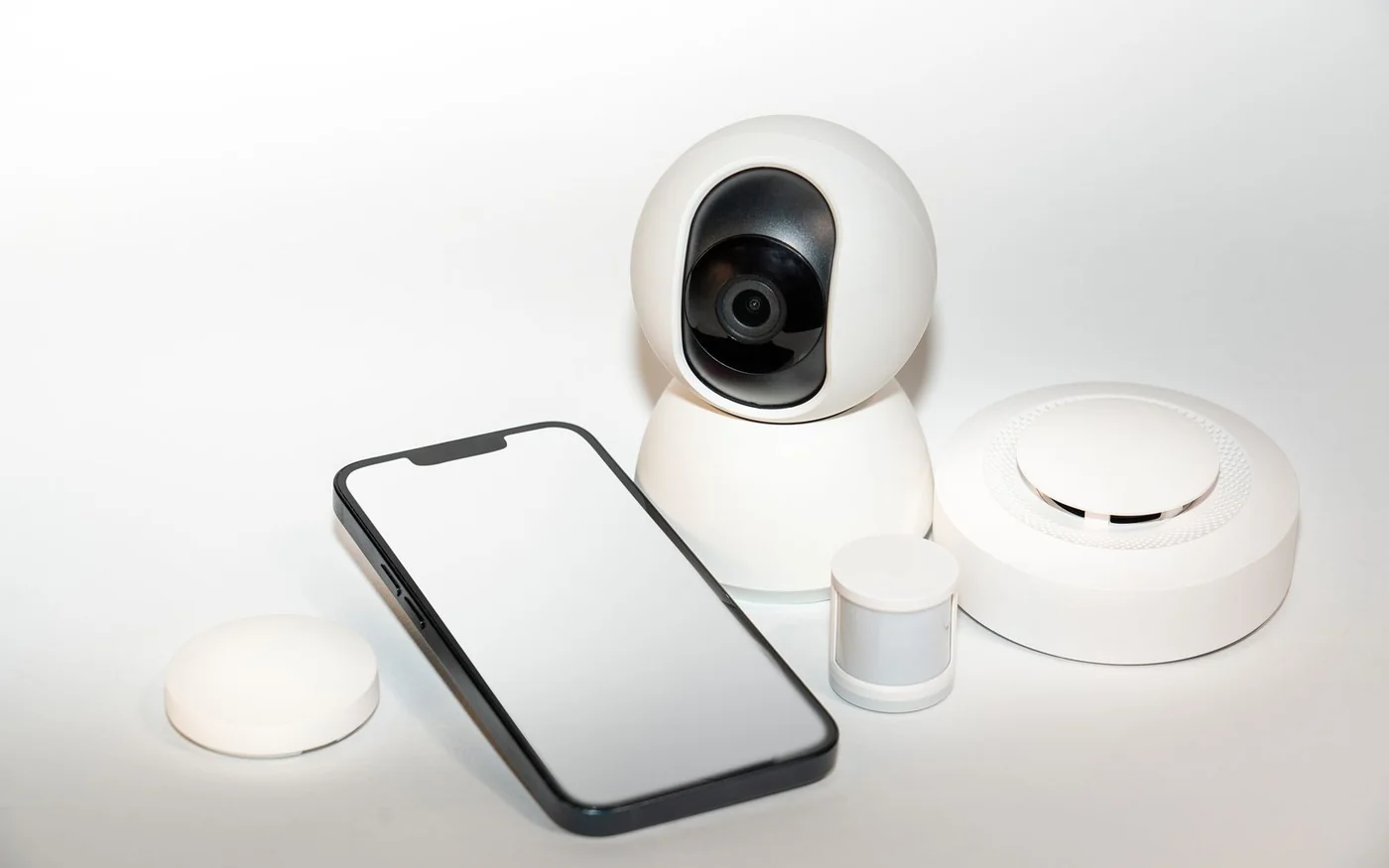
Before you buy a hub, write down one job you want it to do and the app everyone in the household will use. A lamp that switches on when you open the front door is a useful first job. It tells you which sensor, which lamp and which automation have to work together. It also gives you something specific to check if you want the rule to keep running through an internet outage.
For an Apple Home household, check the generation of any Apple TV 4K you already own. The third-generation Wi-Fi + Ethernet version has Thread, while the third-generation Wi-Fi-only version needs a separate compatible border router for Thread accessories. Apple’s newly announced fourth generation includes Thread and was listed at AED 1,199 for the UAE launch. For a household with Aqara Zigbee sensors, the Aqara Hub M3 can bridge supported devices and add Thread. The global HM-G01D showed AED 769 from CLARIS on Microless. For Alexa, check the generation of your existing Echo before buying a new one. A fifth-generation Echo Dot can act as a Matter controller, and the full-size fourth-generation Echo also has a Thread border router. Apple UAE fourth-generation announcement · Apple TV 4K third-generation comparison · Microless UAE Aqara M3 offer · Amazon’s Alexa Matter documentation
Listings checked 6 November 2026. The hub prices below refer to the product itself. Confirm delivery, seller coverage and any power accessories separately.
Match the accessory to the job the hub performs
A Matter controller adds and manages compatible accessories in its ecosystem. A Thread border router links a Thread mesh to the rest of the local IP network. A bridge can expose selected devices from another system, such as compatible Aqara Zigbee sensors, to a Matter controller. One box can do all three jobs. Other products handle just one or two, which is why two devices with a Matter badge can call for different hardware.
Start with the connection printed on the exact accessory box or listed by its maker. A Matter-over-Wi-Fi plug uses the home network. A Matter-over-Thread contact sensor needs a compatible path through a Thread border router for a permanent shared setup. A Zigbee sensor needs a compatible Zigbee coordinator. If you want to see it in a separate Matter ecosystem, check whether the bridge exposes that exact model and whether the receiving platform supports its device category and functions. Aqara’s own Door and Window Sensor T1 uses Zigbee 3.0, while the similarly named P2 uses Matter over Thread. Buy by the model suffix. Matter FAQ from the Connectivity Standards Alliance · Aqara T1 specifications · Aqara P2 documentation
Check the function as well as the category. Seeing whether the balcony door is open is one function. Getting an alert away from home, seeing battery status or changing how long the sensor waits before an alert can involve different platform features or a vendor app. Write down the one you intend to use, then look for it in the device and ecosystem documentation before ordering a multipack.
Apple Home when the household already uses iPhones
Look under Settings on the Apple TV you own and identify its generation and configuration. Apple lists the Apple TV 4K second generation and third-generation Wi-Fi + Ethernet among its Thread-enabled devices. The third-generation 64 GB Wi-Fi model can serve as an Apple home hub, but lacks the built-in Thread networking offered on the 128 GB Ethernet configuration. If you already own the 64 GB model, you can keep it for Apple Home and assess whether a compatible separate border router would do the additional job. Apple’s Thread device and troubleshooting guide
The fourth-generation Apple TV 4K is the new direct comparison. Apple UAE announced AED 1,199, built-in Thread and store availability from 13 November 2026. The live UAE page displayed the new model and price during the check, with its Continue control disabled. Use that figure as the advertised launch price. If you are buying previous-generation stock elsewhere, ask the seller to confirm the generation and Ethernet configuration on the invoice. Product titles that say only “Apple TV 4K” can describe several boxes. Apple’s UAE shopping help describes a one-year limited manufacturer warranty for new Apple-branded products. Apple UAE online purchase page · Apple UAE warranty information · Apple on Instagram
Apple documents local Matter setup and control on suitable iPhones with iOS 18 or later, including local Thread use on compatible Thread-equipped iPhones and accessories. For a shared home that needs automations or control when nobody is home, plan around an always-powered compatible home hub. If the Apple TV lives in a cabinet far from the accessory, try pairing and using one sensor in the actual room before buying the rest. Add the Apple TV to a room in the Home app, then check which hub the app shows for the household. Apple Matter pairing guidance · Apple TV Home app setup
Aqara Hub M3 when you have a mix of Zigbee and Thread
The M3 has a clear use in an apartment where the existing investment is Aqara sensors and you want to add newer accessories without replacing the older ones. In Aqara Home it acts as a Matter controller and Thread border router. As a Matter bridge it can expose supported Aqara Zigbee devices to other platforms. That makes a T1 contact sensor and a P2 sensor two different routes into the same household setup. Pair the T1 to the Aqara Zigbee hub and check what it exposes to your other app. For the P2, check the Matter-over-Thread setup for the controller you intend to use. Aqara M3 developer documentation
Microless listed the black global HM-G01D at AED 769, sold by CLARIS, with an active order button, free shipping shown on the offer and a one-year warranty label. Ask the seller to identify the warranty issuer and local claim route. Smartify Spaces published AED 739 and a one-year manufacturer warranty statement on its listing, but the rendered product panel did not show an order button during the check. Its delivery terms say charges vary and advertise free delivery above AED 1,500. Treat the lower catalogue figure as a lead to confirm, especially if you need the hub by a specific date. Smartify Spaces UAE M3 listing · Aqara on Instagram · Microless UAE on Instagram · Smartify Spaces on Instagram
Budget for power before comparing the numbers. The M3 manual documents dual-band Wi-Fi, wired Ethernet with Power over Ethernet and USB-C power. Aqara lists a 5 V, 2 A input and says the USB power adapter is sold separately. If you want a single cable, make sure your Ethernet equipment can supply compatible PoE. If you plan to use the infrared feature with an AC that already takes an IR remote, check compatibility and choose a position from which the hub can reach the indoor unit. The most convenient spot for plugging into a router can be a poor spot for sending an infrared command into the living room. Aqara M3 manual · Aqara M3 electrical and box specifications
Alexa when you already have an Echo
Amazon’s documentation puts many Echo models on the Matter list and keeps a separate list for built-in Thread border routers. It identifies the full-size Echo fourth generation as a Thread option. The Echo Dot fifth generation is a Matter controller without its own Thread border router. If you only want to add a compatible Matter-over-Wi-Fi plug, check the Dot you already have first. If the first accessory you want is a Thread sensor, establish the border-router route and then check that Alexa supports the function you want. Amazon also documents using another Thread-enabled platform for initial setup in certain cases, then sharing the accessory with Alexa. Amazon’s Echo and eero Matter FAQ · Amazon’s Matter pairing steps · Amazon on Instagram
If your existing light came into Alexa through a manufacturer’s skill, write down that route alongside any new Matter devices. A skill can depend on the manufacturer’s service and account link. A Matter control path can be local. The fact that both tiles appear in the same app tells you little about whether both respond during an outage. In a mixed iPhone and Android household, Matter multi-admin can share a compatible device across platforms. Make the routine in the app you want to own it, then separately verify the controls you expect in the second app. Amazon on skill and local Matter paths
Check offline operation with one simple routine
Choose a small automation that does not affect entry, security or climate. For example, have a contact sensor turn on a table lamp. In Aqara Home, the M3 support guide says you can look at Execution method in the automation’s settings. A local rule can keep running when outside internet access is unavailable, provided the hub and devices can still communicate over Zigbee or the local network. A cloud rule needs its connection. Aqara also documents limited fallback on certain devices, but treat that as model- and rule-specific. Aqara M3 local and cloud execution guide
When it suits the household, you can verify a low-stakes rule with the external internet link disconnected while keeping the router, hub and devices powered. Try the physical trigger, then separately check control from the local app. After restoring internet, check away-from-home access and notifications separately. An outage on the provider’s side, a powered-off router and a power cut are different events. Voice requests, remote alerts and local rules can respond differently even within the same home.
For the first shop, buy only what closes the gap in the setup you already own. A Thread sensor may need only a compatible border router. A drawer full of Aqara Zigbee devices may make a bridge more useful than another speaker. Once one accessory works in the room, in the intended app and under the outage conditions that matter to you, buy the next device with those same requirements in hand.
Make the setup easy to hand over
Decide who should own the home in the app and invite the other household members before you build more than one room. For a mixed household, try the same simple action from the two phones you actually use. If one person can see a sensor but only the other can change an automation, that might be an acceptable division of jobs. It is easier to make that choice before there are a dozen routines tied to one person’s account. Give the device a name that identifies the room and job, especially when there are several identical plugs or sensors.
Keep a private note with the model number, purchase date, seller and pairing information for each device. Save the original setup code where household members with permission can find it, especially if the label becomes hard to reach after installation. If you bought from a marketplace seller, keep the invoice that identifies that seller. When you move, replace the router or change platforms, that record will tell you which devices pair directly, which need the Aqara bridge and which rely on a linked service. It also gives you a sensible order for bringing the rooms back online, starting with the hub and one accessory you can verify easily.

Comments (0)
No comments yet. Be the first!