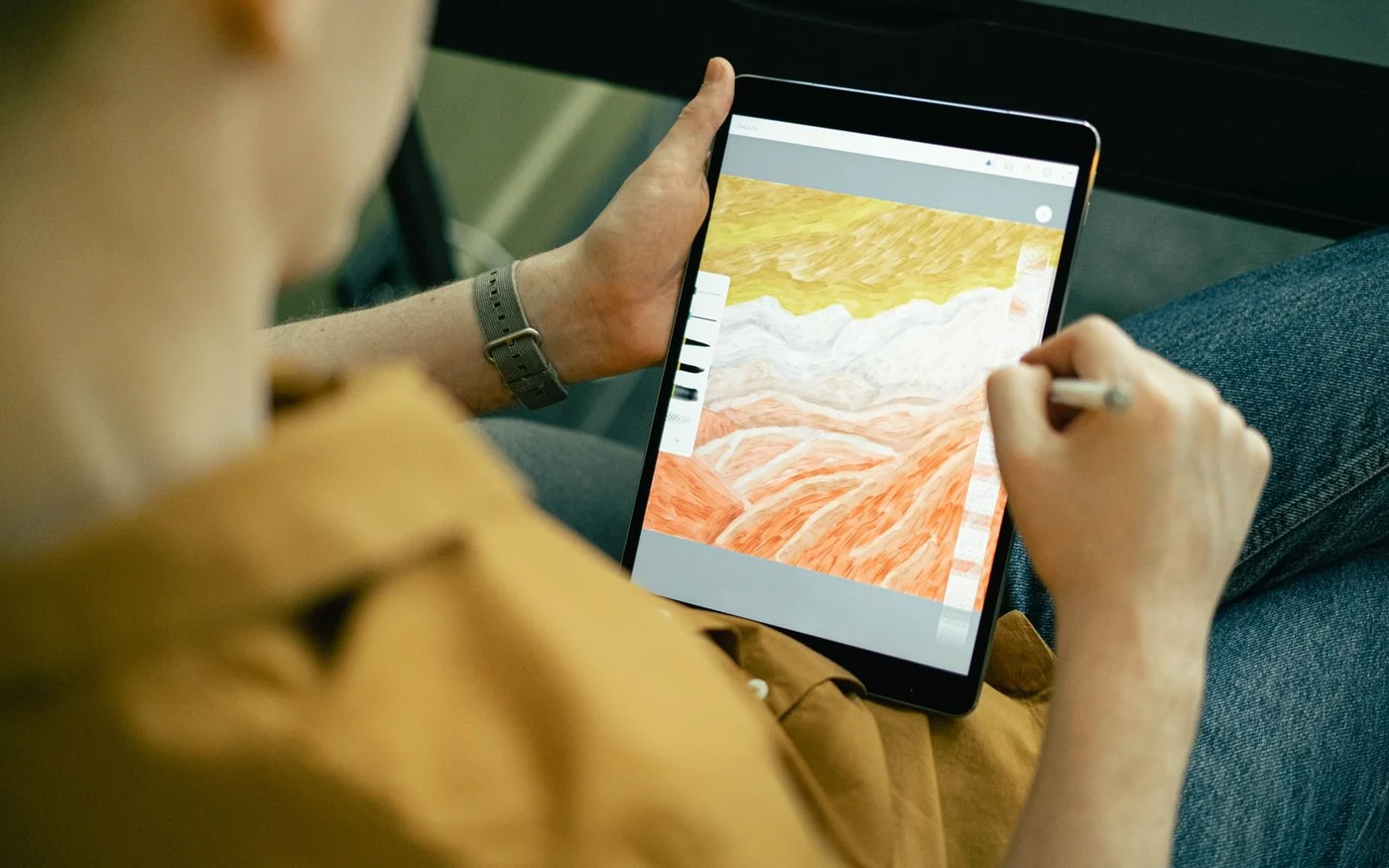
If you want to draw in Procreate, start with the 11-inch iPad Air M4 and Apple Pencil Pro. The UAE prices checked on 6 November 2026 put that setup at AED 3,577.99 including the app. If you are happy drawing in an Android app, the Galaxy Tab S10 FE at AED 1,699 already includes a pressure-sensitive S Pen. The 11-inch iPad Pro M5 makes more sense when you need its display or have checked that your usual canvases benefit from its memory. With the same Pencil Pro and Procreate, it was AED 5,577.99.
Before spending, open a file similar to the ones you want to make. The drawing app, canvas dimensions and layer count will tell you more about the tablet you need than the chip name alone. If you want to take notes and make simple diagrams, pen tilt may be enough. For brushwork that changes thickness or opacity as you press, check pressure support on the exact pen and in the app.
Price the tablet, pen and app together
| Drawing setup | UAE tablet price | Pen | App and displayed setup cost |
|---|---|---|---|
| Samsung Galaxy Tab S10 FE, blue, 128 GB Wi-Fi, Jumbo | AED 1,699 | S Pen included | AED 1,699 before any paid Android app |
| Apple iPad Air 11-inch M4, space grey, 128 GB Wi-Fi | AED 2,999 | Apple Pencil Pro, AED 529 | AED 3,577.99 with Procreate at AED 49.99 |
| Apple iPad Pro 11-inch M5, space black, 256 GB Wi-Fi, standard glass | AED 4,999 | Apple Pencil Pro, AED 529 | AED 5,577.99 with Procreate at AED 49.99 |
These are public listed prices for the exact configurations. Jumbo showed the blue Galaxy in stock. Apple listed the two selected iPads at the prices above, with delivery or pickup to confirm for your location. The setup totals add the separate item and app prices. A case, stand, extra storage and subscriptions can change the total. Jumbo Galaxy Tab S10 FE, Apple UAE iPad Air, Apple UAE iPad Pro, Apple UAE Pencil prices and Procreate UAE App Store listing.
Galaxy Tab S10 FE for a pressure-sensitive setup under AED 2,000
The blue SM-X520NLBAMEA is the Wi-Fi Tab S10 FE with 128 GB of internal storage. Samsung lists a 10.9-inch screen with a refresh rate up to 90 Hz and includes an S Pen. Its support page confirms pressure sensitivity on the included pen. The FE pen does not need Bluetooth pairing or charging to draw. If you see a seller bundle that includes another S Pen, check its compatibility and features before assuming it adds something you will use. Samsung UAE Galaxy Tab S10 FE model family and Samsung S Pen feature guide.
This is the least expensive option here for going from the box to a pressure-sensitive sketch. Its value depends on the Android app you can use. Clip Studio Paint is one option if you work across Android and iPad, with different plans and licensing terms. Check whether you need it on a second device and whether your licence covers that use. Put the mobile plan cost over the period you expect to use the tablet beside the hardware cost. Keep any limited trial separate from the normal recurring price. Clip Studio Paint plans and platforms
Before switching, try your brush settings, gestures and shortcuts in the Android version. Export a sample file and open it in the app that will receive your finished work. If your assignments or collaborators ask for Procreate files, use the iPad app route. If they need a layered file that will open in another program, check which layers, masks and effects survive. A tablet can make good marks on screen and still be a poor fit for the way you deliver artwork.
iPad Air M4 for the Pencil Pro and Procreate workflow
The 11-inch Air has a fully laminated Liquid Retina display, P3 wide colour, an antireflective coating and Pencil hover according to Apple. The Apple Pencil Pro adds pressure sensing, squeeze and barrel roll with compatible software. In Procreate, barrel roll can change brush orientation when the brush is configured to use it. Try a brush with a clearly directional shape, such as a flat ink nib. Turn the pen while making the same stroke and see whether the effect matches the way you like to draw. iPad Air technical specifications, Apple Pencil feature comparison and Procreate brush settings.
Apple also lists Apple Pencil USB-C at AED 319, and it works with the Air. It supports tilt but lacks pressure sensitivity. That saves AED 210 over Pencil Pro if you only want uniform strokes, markup or simple diagrams. Check the pen in the box if a retailer sells the tablet as a bundle. “Includes Apple Pencil” still leaves open which model is included and which features you will get. Apple UAE Pencil compatibility and prices
At AED 3,577.99 with Pencil Pro and Procreate, the Air is the useful comparison point for anyone considering an upgrade. If you need more screen space because the layers panel and reference image are both open, compare the 13-inch Air as well. The 11-inch Pro has a different display, but you may gain more from a physically larger working area. Hold the larger model with the case you would use and see how it fits your bag, desk and normal drawing posture. Apple UAE Air sizes and display specifications
iPad Pro M5 when the display or layer ceiling matters
The exact 11-inch M5 Pro with 256 GB and standard glass uses a tandem OLED Ultra Retina XDR display with ProMotion up to 120 Hz. Apple lists 12 GB unified memory at 256 GB and 512 GB. The higher 1 TB and 2 TB configurations are listed with 16 GB. Pencil Pro is the same model you can buy for the Air, so the AED 2,000 price step between the two setups here goes to the tablet. Compare what that changes in the work you do. Apple iPad Pro 11-inch M5 technical specifications
If you regularly create large print files, use Procreate’s layer calculator with the canvas dimensions you actually need. Procreate says the layer limit depends on the iPad model’s RAM and the pixel dimensions. Compare the two models with the same project. A 3,000 × 4,000-pixel illustration has 12 million pixels, and a 6,000 × 8,000-pixel file has 48 million. Doubling both dimensions gives four times as many pixels. The actual layer limit is the result to check in the calculator, since it depends on the model and size. Procreate layer limit calculator and Procreate canvas limits.
Compare the screens with the same sketch and room lighting if you can. A higher refresh rate changes how often the screen can update. The experience also depends on the app, brush and stabilisation settings. For artwork going to print, check the colour profile your printer asks for and compare an export or proof through your existing process. The advertised colour gamut is one part of that workflow.
Try three marks and one export before choosing
Start with a light-to-heavy stroke in a pressure-enabled brush. Then draw a slow diagonal and a quick curve. Try turning the tablet, zooming in and working with your palm resting where it naturally falls. This shows more than drawing a single line while standing at a display. If the stroke appears too thick too quickly, try another brush and check its pressure settings. Procreate documents both app-wide pressure curves and settings on individual brushes. Procreate pressure and smoothing guide
Open a reference beside the canvas and leave the layer or colour panel visible. You will see how much canvas remains for actual work. If you draw lettering, include your usual font or a text layer. If you animate, check how frames and layers are organised for the project size you expect. Small practice files are useful for testing a pen, but a representative project will show which tablet fits your everyday workflow.
Finally, export a layered PSD and a flat image if those are formats you use. Procreate’s app listing describes both layered PSD export and its native format. Open the PSD in the receiving program and compare masks, text and blend modes with the original. Keep an editable copy in your drawing app’s own format as well. A file that opens correctly can still behave differently when you edit it on another device. Procreate UAE App Store features
Compare more room with a different display
Apple listed the 13-inch Air from AED 3,999 in the same UAE configurator. Adding Pencil Pro and Procreate at the checked prices gives AED 4,577.99, which is AED 1,000 below the selected 11-inch Pro kit. That comparison uses the 13-inch Air starting configuration and the 256 GB Pro. If you need both models to have the same storage, select that capacity and do the calculation again. The 13-inch Air is worth trying if you mainly want more room for a reference and your canvas side by side. The smaller Pro is worth trying if you want its OLED display and refresh rate while keeping an 11-inch format. Apple UAE Air configuration options
For drawing away from your desk, place your usual reference and layers panel on screen before deciding which size you can live with. For work on a stand, check the distance from your eyes and where your forearm rests. If you alternate between hand-held sketching and a fixed desk, try both positions with the case attached. That is the setup you will carry and use.
Budget for a stand, storage and a possible return
A drawing stand should hold the tablet at the angle you actually use when you lean on it. If you plan to carry it, check whether the case protects the pen and leaves its charging or attachment area clear. If you prefer a textured protector, try the feel first and see what it does to the picture when you are checking fine lines. These are separate purchases, so include their exact prices only when you know which ones you need. Also decide where editable files, reference images and exports will be backed up. More storage can be useful when you work offline or keep many projects on the tablet.
Read the retailer’s return rules before opening the box. Apple UAE publishes a 14-calendar-day return period from delivery for eligible standard hardware purchased directly. Jumbo has its own return conditions and describes a restocking fee for eligible opened non-defective items. If you are still comparing pen feel, a store demonstration may be cheaper than opening two retail boxes. Ask who handles an in-warranty issue with the tablet and the pen, and keep the invoice and model information. Apple UAE returns, Jumbo UAE returns and Samsung Gulf warranty.
Apple online holiday update, 6 November 2026: Eligible Apple UAE online purchases received from 6 November to 25 December 2026 can be returned until 8 January 2027. Consumer-financed purchases keep the standard window; other eligibility conditions still apply. Check the current Apple UAE return policy for your order.
Official Instagram profiles
Apple, Samsung Gulf and Jumbo Electronics. Check the manufacturer and retailer listings for the exact tablet, included pen and terms.
Comments (0)
No comments yet. Be the first!