

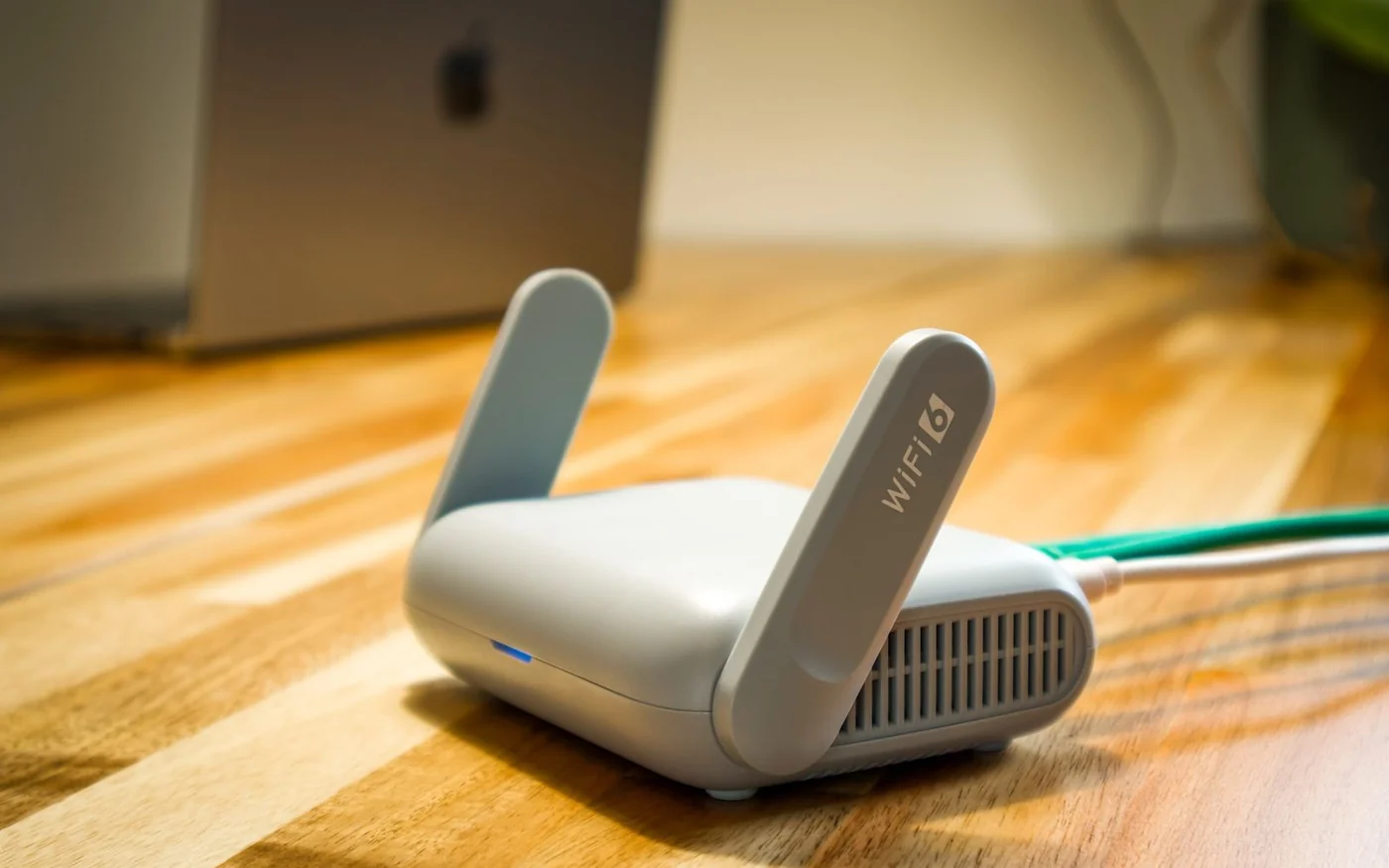
For a single-floor apartment with one weak bedroom or study, start by testing a better position for the router. If it must stay beside the fibre equipment or there is still a dead spot, the TP-Link Deco X50 two-pack at AED 779 is a reasonable starting point. For a villa with several weak rooms, map the Ethernet wall sockets first. A wired connection between mesh units can solve the problem of getting a signal through floors. If there is no working cable and you can place three nodes where they can reach one another, the Deco XE75 three-pack adds a third radio band. The cheapest orderable offer checked was AED 1,120 on Microless Marketplace. Gear-up X50 two-pack · Microless XE75 three-pack offers
Prices and online availability were checked on 6 November 2026. The two kits are examples of different layouts and purchase costs. Coverage depends on where the units sit, how they connect and what your devices can use.
Work out where the connection fails
Use the same phone or laptop beside the current router and again at the desk, bed or TV where you notice trouble. Repeat the check when the household usually uses the connection. If the network works well near the router and drops away in a particular room, changing placement or adding an access point is worth investigating. If it is unreliable beside the router too, check the provider connection. Where possible, compare with a device plugged into the router over Ethernet. That gives you a baseline before spending money on Wi-Fi coverage.
Mark the places where you can put an Ethernet cable and power outlet within reach. Start with the fibre equipment or home wireless gateway, then find the rooms where a node could sit in the open. A hallway cabinet may have a useful cable patch panel and still be a poor place to transmit Wi-Fi. In a villa, check whether the sockets on different floors terminate in the same cabinet and whether they are actually connected. A wall plate labelled data can lead to an unpatched cable. If you can test the link before ordering, you have more information than any coverage figure on the box. TP-Link Deco setup and compatibility FAQ · TP-Link Ethernet backhaul guide
Deco X50 two-pack for an apartment
The ordinary Deco X50 is a dual-band Wi-Fi 6 system with 2.4 GHz and 5 GHz radios and three Gigabit Ethernet ports on each unit. Gear-up listed exact part Deco X50(2-pack) at AED 779 including VAT with an enabled cart button and stock shown as one to three units. It indicated dispatch in two to three working days, which is separate from the courier’s arrival date. Jarir listed its exact two-pack at AED 665 including VAT with 24 months of Jarir warranty, but it showed unavailable online. Its showroom lookup is an option if you are passing a branch and can confirm stock. TP-Link UAE X50 specifications · Gear-up X50 two-pack · Jarir X50 two-pack
In an apartment where the router sits near the entrance, try the second unit nearer the hallway or study door, where it can still communicate with the main unit. Putting it beside the laptop in the weakest corner can give the laptop a strong signal to the node while leaving the node with a weak link back to the router. That link between nodes is the backhaul. The X50 uses its wireless radios for a wireless backhaul, or you can connect the nodes by Ethernet. If the study already has a working wall socket, use it to place the satellite closer to the desk while giving it a wired path back. TP-Link UAE X50 specifications · TP-Link Ethernet backhaul guide
Gear-up advertises a local 24-month warranty on the listing. Its warranty FAQ says coverage depends on the item and manufacturer terms. Ask who handles a failed unit, whether the whole pack has to go back, and what applies once the kit has been opened for setup. The cheaper Jarir listing is useful as a price reference only until a branch confirms it has the kit. Gear-up warranty terms · Gear-up delivery and returns · Gear-up on Instagram · Jarir UAE on Instagram
Deco XE75 three-pack for a villa
The standard Deco XE75 adds a 6 GHz radio to the 2.4 GHz and 5 GHz bands. TP-Link’s XE75 documentation describes using 6 GHz for dedicated wireless backhaul by default, with an option to make the band available to compatible devices. Check the setting and supported features on the hardware and firmware you receive. Each standard XE75 unit has three Gigabit Ethernet ports. If your reason for upgrading is a wired connection above 1 Gbps, the model suffix matters. The standard XE75 in this comparison and the separately sold XE75 Pro have different port specifications. TP-Link UAE XE75 specifications · TP-Link XE75 user guide · TP-Link model comparison guide
The Microless offers page showed QUICK CART COMPUTER LLC at AED 1,120, Unwired Global at AED 1,199 and Microless itself at AED 1,611.96 for the same listed white XE75 three-pack. All three showed one year of warranty and free shipping on the public offers screen. The Unwired offer was marked fulfilled by Microless. Fulfilment describes who handles the shipment, so confirm who issues the warranty and which UAE service centre takes the claim. The page gave delivery estimates, but the actual date and any location-specific charge should be checked for your address. Microless XE75 three-pack offers · Microless warranty policy · Microless UAE on Instagram
If you are going wireless across floors, start with the main unit near the provider router and try a satellite near an open landing. Test the link there before adding the third node farther away. A weak path through a slab can still limit the speed delivered to devices upstairs. The third band gives the units another way to communicate when the path is suitable. It cannot tell you what will happen in a room behind a particular wall. If you can wire the upstairs unit and leave the third wireless, TP-Link supports mixing wired and wireless backhaul in one Deco network. Check the app’s network map for the actual backhaul type after moving a unit. TP-Link Ethernet backhaul guide · TP-Link UAE XE75 specifications
The lowest XE75 offer is AED 341 more than the orderable X50 offer here. That comparison changes both the node count and the radio design. If working Ethernet already reaches your two problem areas, price a third X50 or a wired installation before spending for the extra band. If the wiring ends in a cabinet but you have no useful socket in the upstairs hall, ask an installer for the cost of activating or adding that run. Include the switch, cable and labour in the comparison if you need them. The kit price covers the equipment in the listing. Gear-up X50 two-pack · Microless XE75 three-pack offers
Keep the provider equipment in the plan
With a working provider router, Access Point mode is the starting configuration to discuss with your provider or installer. Plug the main Deco into the existing router over Ethernet. The provider router keeps handling routing and assigning local addresses, while the Deco provides the mesh Wi-Fi. TP-Link notes that some Deco features, such as its own port forwarding and parental controls, are unavailable in AP mode. Before changing the setup, confirm how any provider TV box, fixed phone or existing smart-home gear is connected. For home internet delivered through a SIM gateway, the regular X50 and XE75 still need an Ethernet connection to an upstream device. TP-Link Deco setup and compatibility FAQ · TP-Link Access Point mode
If you want the main Deco to take over routing, ask the provider what your specific line and equipment require, including any VLAN settings, login details and TV or voice configuration. Leave the fibre termination in place unless your provider tells you otherwise. Running both devices as routers can introduce two layers of network address translation, which can complicate inbound connections or port forwarding. In Router mode, TP-Link specifies that wired satellites connect downstream of the main Deco, directly or through a switch on its LAN side. Access Point mode allows a different topology, with satellites also able to wire back to the existing router. TP-Link Deco setup and compatibility FAQ · TP-Link Ethernet backhaul guide
For someone who would rather book a survey, e& publishes a Full Home WiFi service. Its terms say the technician decides the layout and number of nodes, up to five, at one premises. The AED 150 survey charge is waived if you proceed with the installation. The service page quotes AED 99 a month including VAT, or AED 2,376 over 24 months at that rate before the underlying internet bill. Confirm that rate and the contract terms for your account. The published terms describe a two-year period and an early exit fee of AED 1,000 excluding VAT. That makes it a different commitment from buying a kit outright. e& Full Home WiFi service · e& UAE on Instagram
Match the ports to the room
Draw the wired devices alongside the nodes. On the main X50 or XE75, one of the three Gigabit ports will usually take the connection from the provider router or modem. A second port might feed the upstairs backhaul. If you also want a work computer and a TV wired into that room, you may need a switch or another available port on the upstream network, depending on the operating mode. Confirm the topology before buying a switch, since TP-Link documents compatibility issues with some models. A basic count of plugs is enough to spot that you need another device before the installer arrives. TP-Link UAE X50 specifications · TP-Link Ethernet backhaul guide
If the trouble is confined to one fixed desktop or console, try Ethernet to that device first where a cable is practical. You can then judge whether the remaining Wi-Fi problem justifies a second node. If the issue follows you between floors, test a normal call while walking between your usual rooms after installation. Record where it drops so you can adjust the layout around your actual route.
Before opening the box and after setup
Confirm the model, node count, seller, local warranty route and returns policy before unsealing. Microless’s ordinary returns policy gives 15 days from purchase subject to original sealed condition. If you want to test whether the kit works in your home and return it if it does not, ask the seller in advance for the applicable terms. A change-of-mind return and a fault claim follow different routes. Keep the serial labels, adapters and box together. Microless returns · Gear-up delivery and returns
Set up the nodes in the Deco app, then verify wired links in the network map and test the rooms you started with. Try the video call at the desk, the stream at the upstairs TV and any device that previously dropped its connection. Repeat the test while the household is online. Change one node position at a time so you can tell which move helped. If the cable to an upstairs node is still showing as wireless, check the patching, switch and cabling against TP-Link’s guide before buying another unit. TP-Link Ethernet backhaul guide · TP-Link Middle East and Africa on Instagram


Comments (0)
No comments yet. Be the first!